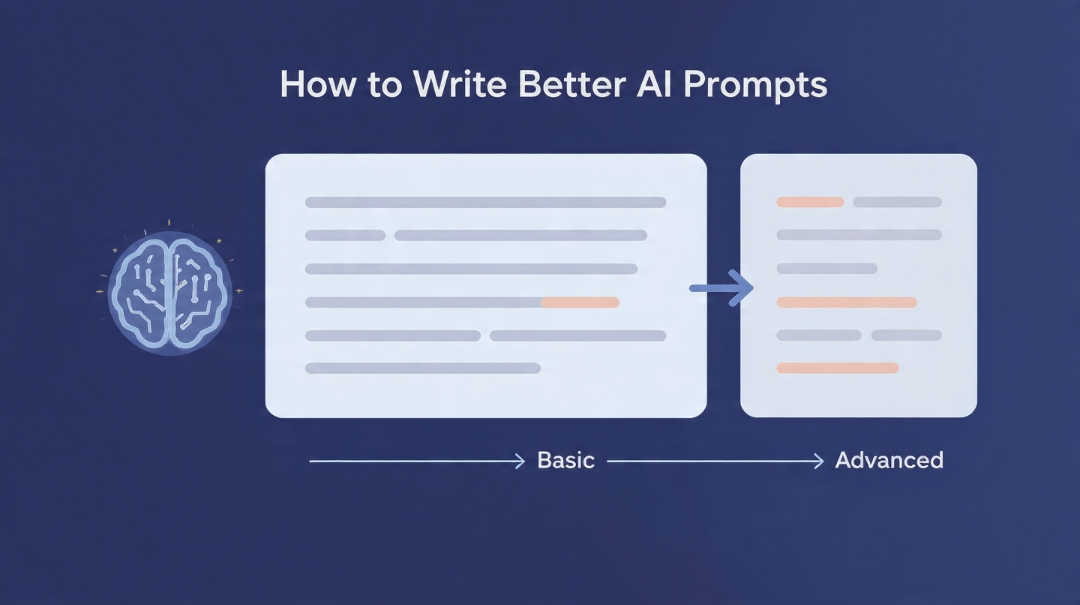
Bad AI prompts are the reason most people conclude AI isn’t very good. They type a request the way they’d type a Google search, get something flat and generic back, and quietly decide the tool is overrated.
It usually isn’t the tool. The model is guessing at what you want, and a vague request gives it nothing to guess with, so it hands you the safest, blandest answer that technically fits.
The fix is not memorising magic phrases. It’s understanding what information the model is missing and putting that in. This guide walks the whole ladder — from the one change that fixes 80% of beginner prompts, to the techniques worth learning once you’re past that.
Key Takeaways
- Most weak output comes from missing context, not from the wrong wording.
- A working prompt has five parts: task, context, format, audience, and constraints.
- Showing an example beats describing what you want. It’s the single highest-return technique.
- Treat the first output as a draft to react to, not a verdict on the tool.
- Politeness, threats, and “act as a world-class expert” are superstition. Specificity is what works.
Why most AI prompts fail
Here’s a request I’d bet you’ve typed some version of:
Write a marketing email for my product.
Read it as the model does. Which product? Selling to whom? What’s the offer? What tone does your brand use? How long? What should the reader do at the end? What have you already told these people?
None of that is in the request. So the model fills every gap with an average — the average product, the average customer, the average tone — and you get exactly that. Average.
The output isn’t bad because the AI is stupid. It’s bad because it’s a reasonable answer to a question that wasn’t really asked.
The five parts of AI prompts that work
You don’t need a framework with an acronym. You need to check that five things are present.
- Task — the specific action. Not “help with,” but “write,” “rewrite,” “compare,” “find the flaws in.”
- Context — what it needs to know that it can’t know. Your product, your customer, your situation, the constraint you’re working under.
- Format — length, structure, whether you want a table, bullets, prose, an email.
- Audience — who reads this. “Explain to a beginner” and “explain to a developer” produce genuinely different answers.
- Constraints — what to avoid. Words you hate, claims you can’t make, things already covered.
Same request, rebuilt:
Write a promotional email for a handmade leather wallet, $45,
sold direct online.

Audience: men 25-45 who already bought from us once, mostly
belts. They know the brand.

Goal: get them to click through to the wallet page.

Format: under 150 words, plain conversational tone, one clear
call to action, subject line included.

Avoid: "elevate", "game-changer", "in today's world", and any
claim about the leather being ethically sourced — we can't
verify that.
Longer, yes. It also takes about forty seconds to write and produces something you can actually send after one edit instead of five. That’s the trade, and it’s a good one.
The one technique that beats every other
If you learn nothing else from this article: show an example instead of describing what you want.
Describing style is genuinely hard. “Write in a friendly but professional tone” means something different to everyone, including the model. But paste in two of your own past emails and say “match this voice,” and it has something concrete to work from.
This is the difference between output that sounds like a stock template and output that sounds like you. It’s also why the people getting the best results aren’t the ones with the cleverest wording — they’re the ones who keep a folder of their own good work to paste in. The same principle drives everything in our guide to writing content faster with AI.
Two or three examples is the sweet spot. One is often too little to establish a pattern. Ten mostly wastes space.
The beginner-to-pro ladder
Roughly where people sit, and what moves them up a level:
| Level | What it looks like | The next move |
|---|---|---|
| 1. Search-bar | “blog post ideas fitness” | Add who it’s for and what you’re trying to achieve |
| 2. Instruction | A full sentence with a clear task and format | Add context the model can’t know — your business, your constraint |
| 3. Context-rich | All five parts present | Start pasting in examples of what “good” looks like |
| 4. Example-driven | Your own past work supplied as reference | Iterate — critique the output and make it revise |
| 5. Conversational | Treats it as a back-and-forth, saves prompts that worked | Split big tasks into chained steps |
Most people stall between 2 and 3, because level 2 works well enough that they stop looking for a problem.
Three more techniques worth the effort
Iterate instead of restarting
When the first answer misses, most people delete it and rewrite the prompt from scratch. Don’t. Tell it exactly what was wrong:
Too formal, and the third paragraph repeats the second.
Cut it to 120 words and open with the price instead of
the story.
Specific correction beats a fresh attempt almost every time, because the model already has the context loaded. Vague correction (“make it better”) gets you a lateral move.
Split anything complicated
“Research my competitors, analyse their pricing, and write a strategy” is three jobs. Asked together, each gets a third of the attention and the weakest one drags the rest down.
Run them separately. Check the research before it becomes the foundation of the analysis. This matters most when the first step involves facts — see fact-checking AI-generated content for why building on unverified output is the expensive mistake.
Ask it to think before it answers
For anything with reasoning in it — a decision, a diagnosis, a comparison — asking for the reasoning first, conclusion second, produces better conclusions. It’s not a trick; it’s the same reason you’d work a problem on paper rather than blurting an answer.
“Before you recommend anything, list the trade-offs you’re weighing” costs you one line and noticeably improves the recommendation.
Prompt myths that waste your time
“Act as a world-class expert marketer with 20 years of experience.” Role framing has mild value for tone. It does not unlock hidden capability, and stacking superlatives does nothing. “Write this for a technical audience” is more useful than any amount of imaginary CV.
Politeness and threats. Neither “please” nor “this is very important to my career” reliably changes output quality. Be polite if you want to — it costs nothing — but don’t mistake it for technique.
Enormous prompt templates. The 800-word prompts sold in packs are mostly padding. A long prompt is fine when the length is context you actually have. It’s counterproductive when it’s decoration, because genuine instructions get buried.
Believing confident output. The most expensive myth. Fluency is not accuracy — these systems produce wrong statistics, wrong dates and invented sources in exactly the same confident register as correct ones. Verify anything you’d be embarrassed to be wrong about.
Does the model you use matter?
Less than the prompt, but it isn’t nothing. The current assistants differ more in tone and in how they handle long inputs than in raw ability, and a well-built prompt travels between them fine. We compared them directly in ChatGPT vs Claude vs Gemini, and there’s a deeper look at long-document work in our guide to using Claude for long documents and research.
All three providers publish their own prompting documentation, and it’s better than most paid courses: OpenAI’s prompt engineering guide, Anthropic’s overview, and Google’s prompt design strategies. All free.
Build a prompt library, not a prompt habit
The genuine productivity jump isn’t writing better AI prompts once. It’s writing one good prompt for a task you repeat, saving it, and reusing it for the next two years.
Keep a note file. Every time a prompt produces something you’re happy with, paste it in with a one-line label. Within a month you’ll have a dozen, and the tasks that used to take thirty minutes of fiddling take two. That’s the mechanism behind most of the time savings in how small businesses save 10+ hours a week with AI — and it’s how freelancers using AI tools get their margins up without working longer.
The bottom line
Good AI prompts aren’t clever. They’re complete.
Before you send anything, ask one question: could a competent stranger do this task with only the information I’ve provided? If the answer is no, the model can’t either, and it will fill your gaps with averages.
Start with context. Add an example. Correct specifically instead of starting over. Save what works. That’s the entire skill, and it’s worth more than any prompt pack you’ll be sold.
If you want the applied version for one specific tool, our guide to using ChatGPT effectively has ten worked examples, and writing SEO content with AI covers the same ideas for publishing work.
Frequently Asked Questions
How long should an AI prompt be?
As long as the context genuinely requires and no longer. A simple question needs one line. A branded marketing email needs a paragraph of background. Length only helps when it carries information the model couldn’t otherwise have.
Do I need to learn prompt engineering formally?
No. Understanding the five components — task, context, format, audience, constraints — and the habit of showing examples covers almost everything a non-developer needs. Formal prompt engineering matters when you’re building applications on an API.
Why does the AI ignore parts of my instructions?
Usually because there are too many at once, or two of them conflict. Split the request into steps, or move the most important constraint to the end where it carries more weight.
Are paid prompt packs worth buying?
Rarely. Most are long templates that a specific prompt you wrote yourself, with your own context in it, will beat. Your own saved library is more valuable because it contains information about your business that no pack can.
Does saying “please” improve AI output?
Not measurably. It’s harmless, so use it if you prefer, but specificity is what actually changes results.
How do I make AI write in my voice?
Paste in two or three things you’ve written and ask it to match them. Describing your voice in adjectives almost never works; showing it does.
What should I do when the output is close but not right?
Correct it precisely instead of regenerating. Name what’s wrong and what should replace it. Starting over throws away the context that got you close in the first place.



14 comments