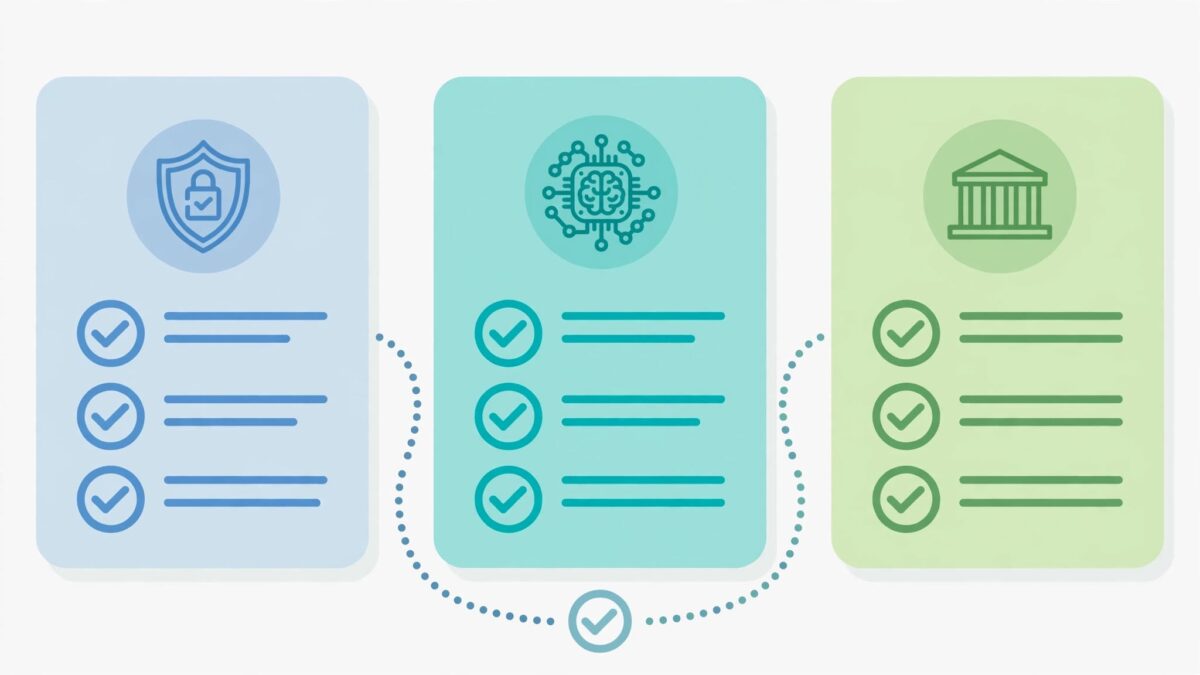
Evaluating AI tools for business doesn’t require a security team or a formal RFP — it requires checking four things most buyers skip: whether the vendor trains on your data by default, whether you can actually export your data if the tool disappears, whether its security claims are backed by an actual report rather than a padlock icon, and how likely the vendor is to still exist in a year. That last one matters more in this market than almost any other software category.
The Conference Board found that 72% of S&P 500 companies now flag AI as a material risk in their public disclosures, up from just 12% in 2023. Those are companies with legal teams, security teams, and formal vendor-risk departments running the checks. If they’re this cautious, a five-minute review before you connect your business’s data to a new AI tool isn’t overkill — it’s just doing at solo-business scale what they’re doing at enterprise scale.
Skip the RFP — Check These Four Things Instead
| Check | What to actually do | Why it matters |
|---|---|---|
| Training default | Look in account settings for a “don’t use my data for training” toggle — most consumer AI tools have one, but it’s rarely on by default | Personal and free tiers commonly train on your inputs by default; business/API tiers usually don’t, but “usually” isn’t “always” — we’ve covered the training-default table by provider separately |
| Data export | Before you sign up, check whether there’s a working “export my data” or “download all” feature — test it, don’t just look for the button | If the vendor shuts down or you switch tools later, this is the difference between losing months of work and a clean migration |
| Real security evidence | Look for an actual published trust-center page or a request-able compliance report, not just marketing copy that says “secure” or “compliant” | Vendor due-diligence guides for larger buyers explicitly warn against accepting “SOC 2 compliant” as a claim without the report itself — the same caution applies at any size |
| Vendor survival risk | Search the vendor’s name plus “shutdown,” “acquired,” or “discontinued” before committing a workflow to it | This category churns fast — see the table below |
The Vendor Mortality Problem Is Real, Not Theoretical
Most procurement advice assumes the vendor will still be around next year. In this category, that’s a real assumption to test, not a formality:
| Vendor | What happened | When |
|---|---|---|
| PlayHT | Voice cloning service shut down entirely — users who’d built workflows around it lost access outright, a fact we flagged in our voice-tool comparison | 2026 |
| ChatGPT Atlas | OpenAI’s standalone browser stopped working, forcing users into alternative workflows with no advance migration path | Aug 9, 2026 |
| OpenRouter | Reported as part of a $7B+ Stripe acquisition trail — unconfirmed exact terms across three sources, but a real ownership-change signal for anyone routing business traffic through it | 2026 |
| Sora API | A specific shutdown date has been flagged by multiple trackers but remains unconfirmed from OpenAI directly — treated as an open risk, not a settled fact, in our video-tool comparison | Ongoing |
None of these vendors were obscure or under-resourced when they launched. The pattern isn’t “avoid small vendors” — it’s “assume any AI vendor could disappear or change hands within 12–18 months, and build your workflow so that doesn’t wreck your business if it happens.”
What This Means for How You Actually Work
Practically, this comes down to a few habits rather than a one-time audit:
- Don’t build a critical, revenue-touching workflow around a single AI vendor with no export path or backup option
- Export or back up anything a tool generates that you’d need if it vanished tomorrow — don’t rely on the vendor’s own storage as your only copy
- Re-check your tool stack every few months, not just at signup — a vendor’s training defaults, pricing, and ownership can all change after you’ve already committed
- If you’re deciding whether to adopt AI at all before worrying about which specific vendor, our decision framework on that question is the step before this one
If you’re setting this up for a small team rather than just yourself, put the training-default and data-export checks into a one-page usage policy so everyone’s checking the same things before adding a new tool, rather than each person making their own call.
Frequently Asked Questions
Does my business need a formal AI vendor security review?
Only if you’re a larger organization with a security or legal team to run one — that’s the model most procurement checklists are written for. For a solo business or small team, the practical version is the four-item check above: training defaults, data export, real (not just marketing) security evidence, and vendor survival risk.
How do I know if an AI tool trains on my business data?
Check the account or privacy settings for a training opt-out toggle, and check which pricing tier you’re on — free and personal tiers commonly train by default, while paid business and API tiers more often don’t. Don’t assume; verify it in your specific account.
What happens to my data if an AI vendor shuts down?
It depends entirely on whether you exported it beforehand. Several AI tools have shut down or changed hands with little warning in the past year, which is why testing the export feature before you rely on a tool — not after it’s gone — matters.
Is SOC 2 compliance enough to trust an AI vendor?
It’s a reasonable floor for larger organizations, but vendor due-diligence guidance is explicit that a SOC 2 report doesn’t certify a vendor’s model governance, bias handling, or what its underlying AI subprocessors do with your data. For most small businesses, the training-default and data-export checks matter more day to day than the certification itself.
How often should I re-evaluate the AI tools I’m already using?
Every few months at minimum. Pricing, training defaults, and ownership can all change after you’ve already built a workflow around a tool, and those changes rarely come with a prominent announcement.
Shurah is the founder of AI Tools Daily, tracking pricing, licensing and policy changes across AI tools so readers can make decisions without wading through marketing claims themselves.