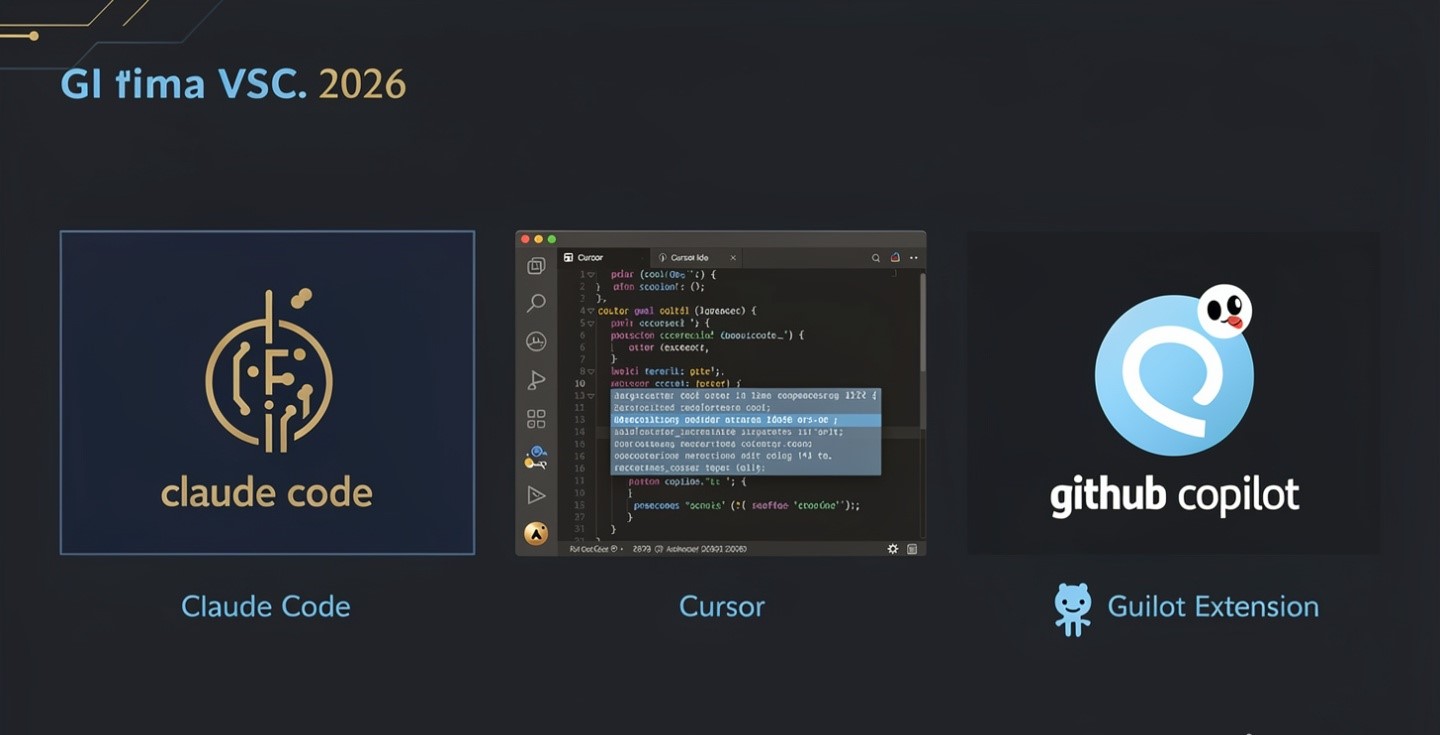
The honest answer to “which AI coding tool is best” in 2026 is that the question has changed shape. All three of these products stopped being flat subscriptions during the past year and became metered utilities — and each one meters a different unit. Cursor bills you in dollars of model usage. GitHub Copilot bills you in credits. Claude Code rations you in time.
That means the sticker prices — $10 for GitHub Copilot Pro, $20 for Cursor Pro, $20 for Claude Code on Claude Pro — are not comparable numbers. They buy three different things. What follows is how each meter actually works, what happens when you hit the wall, and which of those failure modes you can live with. Pricing checked 20 August 2026; all three vendors changed their billing during 2026, so verify before you subscribe.
They are not the same kind of product
Before pricing, the shape difference, because plenty of developers end up paying for two and it is not a mistake.
- GitHub Copilot is a layer inside the editor you already use. Autocomplete first, chat and agent mode second. Lowest friction, lowest ceiling.
- Cursor is an editor — a VS Code fork built around AI, with the agent, codebase indexing and multi-file editing as first-class features rather than add-ons. You switch editors to use it.
- Claude Code is a terminal agent. No editor at all. You point it at a repository and describe the outcome. It reads, plans, edits across files and runs commands.
A common working setup in 2026 is Copilot or Cursor for the typing and Claude Code for the tasks you would otherwise delegate. That is two subscriptions, and for some people it is genuinely the right call.
What each plan costs, and what the money buys
| Tool | Individual tiers | The meter |
|---|---|---|
| GitHub Copilot | Free; Pro $10; Pro+ $39; Max $100. Business $19/seat, Enterprise $39/seat | AI Credits (1 credit = $0.01). Pro includes ~$15, Pro+ ~$70, Max ~$200 monthly. Completions and next-edit suggestions do not consume credits |
| Cursor | Hobby free; Pro $20; Pro+ $60; Ultra $200. Teams $40/seat standard, $120/seat premium | Two separate dollar pools — one generous pool for Cursor’s own models, one smaller pool for third-party models at API rates. Roughly $20 of third-party usage on Pro, ~$70 on Pro+, ~$400 on Ultra |
| Claude Code | Included in Claude Pro $20; Max 5x $100; Max 20x $200. Also available on pay-per-token API billing | Time-windowed capacity — a rolling five-hour budget plus a weekly cap, shared with the Claude chat app. No dollar pool and no overage on subscription |
Three details that most comparisons miss.
Copilot’s cheapest tier lost something. When GitHub replaced premium requests with AI Credits on 1 June 2026, the top Opus-class models moved off Pro and stayed on Pro+. If your reason for choosing Copilot was model choice at $10, check the current model list before assuming.
Cursor’s two pools behave differently. The pool covering Cursor’s in-house models is described as generous and has no published dollar figure. The pool covering Claude, GPT and Gemini is billed at API rates, and it is the one that runs dry. Two developers on the same $20 plan can have completely different months purely because one of them habitually selects a frontier model.
Anthropic does not publish token quotas. The official material gives multipliers only — Pro at 1x, Max at 5x or 20x — and says burn rate depends on conversation length, model and features. Any guide quoting an exact figure such as “44,000 tokens per five-hour window” made that number up. Treat precise quota claims about Claude Code as fiction, including friendly ones.
The question that actually decides it: what happens at the wall
Every one of these tools will stop you eventually. They stop you in different ways, and that is the real choice.
| Tool | When you exhaust the allowance | Risk you are accepting |
|---|---|---|
| GitHub Copilot | Buy more credits, or drop back to the standard model. Free completions keep working | Bill risk, mild — the floor is a working autocomplete |
| Cursor | On-demand usage bills in arrears, or you switch to first-party models | Bill risk, real — this is the one that has produced surprise invoices |
| Claude Code | You wait for the window to reset, or upgrade, or buy usage credits | Schedule risk — the bill is fixed but Thursday afternoon may be gone |
Pick according to which of those hurts you less. If you are on a fixed budget and can reschedule work, the capped-cost model is safer. If a deadline matters more than $40 of overage, metered billing is safer. Freelancers billing clients hourly usually want the second; salaried developers on a company card usually want the first, and their finance team wants the opposite.
Whichever you choose, set a spending cap on day one. Cursor and Copilot both expose one in billing settings. Unset limits are how the horror stories happen — the same lesson as everywhere else in this category, covered in cutting business costs with AI.
Where each one is genuinely better
GitHub Copilot wins on price, on not making you change anything, and on already being approved wherever GitHub is. Unlimited completions on paid plans means the everyday value never meters. If most of what you want is faster typing with occasional chat, $10 is very hard to argue with.
Cursor wins on the editing experience. Codebase-wide context, multi-file edits, and an agent that lives where you work rather than in a side panel. It is also the most opinionated: you are adopting an editor, not installing an extension, and that has a switching cost if your team standardises on something else.
Claude Code wins on delegated work — the tasks you describe once and check afterwards. Refactors across many files, writing tests for an existing module, tracing a bug through a codebase you did not write. It is worst at the thing the other two are best at, because it does not touch your editor at all.
The trap in all three is the same one we described in what AI agents can and can’t do: they are excellent where verification is cheap and dangerous where it is not. A test suite is a cheap verifier. A production migration is not.
What they still get wrong
- Confident wrong code. All three will produce plausible code that compiles and does the wrong thing. Reviewing agent output is a skill, and it takes real time that should be in your estimate.
- Large unfamiliar codebases. Context windows are big now, but “big” is not “your monorepo.” Retrieval still misses things, and the tool will not tell you what it did not read.
- Dependency and version drift. Suggested libraries and APIs may be outdated or deprecated. Check anything security-relevant against the actual documentation.
- Billing changes. Copilot switched metering in June 2026, Cursor changed its structure repeatedly through 2025 and 2026, and Claude Code’s limits moved several times. Any comparison table older than a couple of months describes products that no longer exist — including, eventually, this one.
- Automation is billed separately. On Claude Code, non-interactive usage such as scripted runs and CI jobs draws from a separate credit pool at API rates rather than your subscription window. Plan automation as a line item, not a freebie.
Which to buy
Learning to code, or coding occasionally: Copilot Free or Cursor Hobby. Neither costs anything and both are enough to find out whether you like working this way. Students and open-source maintainers should check eligibility for the expanded free tiers before paying.
Employed developer, one editor, predictable work: Copilot Pro at $10. The completions are unlimited, the credits cover normal chat and agent use, and it is the cheapest way to have this at all.
Building all day, want the agent in the editor: Cursor Pro at $20, watching the third-party pool for two billing cycles before deciding whether Pro+ is warranted. Do not jump to $60 pre-emptively.
Delegating whole tasks rather than typing faster: Claude Code on Claude Pro at $20. If you hit the ceiling more than twice a week, the $100 tier is the honest next step, and the $200 tier only pays off if you genuinely work in it all day.
Freelancers billing by the hour: the metered tools usually win, because an overage charge you can pass through beats an afternoon you cannot bill. More on that calculation in best AI tools for freelancers.
One thing worth saying plainly: none of these replaces knowing what you are doing. They compress the typing and the boilerplate. The judgement about whether the code should exist is still yours, and it is the part that pays. If you are assembling a wider stack around this, AI tools that replace expensive software and automating work with AI tools cover what sits around the editor, and free vs paid AI tools covers when the free tier is genuinely enough.
Frequently asked questions
Is GitHub Copilot still the cheapest option?
Yes, on sticker price — Pro is $10 a month against $20 for Cursor Pro and Claude Pro. Whether it is cheapest in practice depends on your agent usage, since credits are consumed by chat and agent work while ordinary completions are not.
What are GitHub AI Credits?
The billing unit GitHub introduced on 1 June 2026, replacing premium requests. One credit equals one cent. Pro includes roughly $15 of credits a month, Pro+ around $70, Max around $200. Code completions and next-edit suggestions do not draw them down.
Why did my Cursor bill go up without changing plans?
Almost always model choice. Cursor runs two usage pools, and the one covering third-party models like Claude and GPT is billed at API rates and empties quickly. Switching to Cursor’s own models for routine work preserves the pool.
How many tokens does Claude Code give you?
Anthropic does not publish exact quotas. It states multipliers only — Pro at 1x, Max at 5x or 20x — with a rolling five-hour window and a weekly cap, and says consumption depends on model, context length and features. Any specific token number you see quoted online is invented.
Can I use two of these together?
Yes, and many developers do — an in-editor assistant for typing plus a terminal agent for delegated tasks. It is two subscriptions, so justify it against hours saved rather than curiosity.
Do these tools train on my code?
Policies differ by vendor and by plan, and business tiers generally offer stronger guarantees than individual ones. If you work under client NDAs, read the current data-use terms for the specific tier you are buying rather than the company’s general privacy page.
Sources
- GitHub — Copilot plans and pricing
- Cursor — official pricing page
- Anthropic — Claude plans and pricing
- Anthropic — Claude Code documentation
Prices and metering checked 20 August 2026. All three vendors changed their billing models during 2026 and none publishes a stable quota figure — confirm on the official pages before subscribing.



1 comment