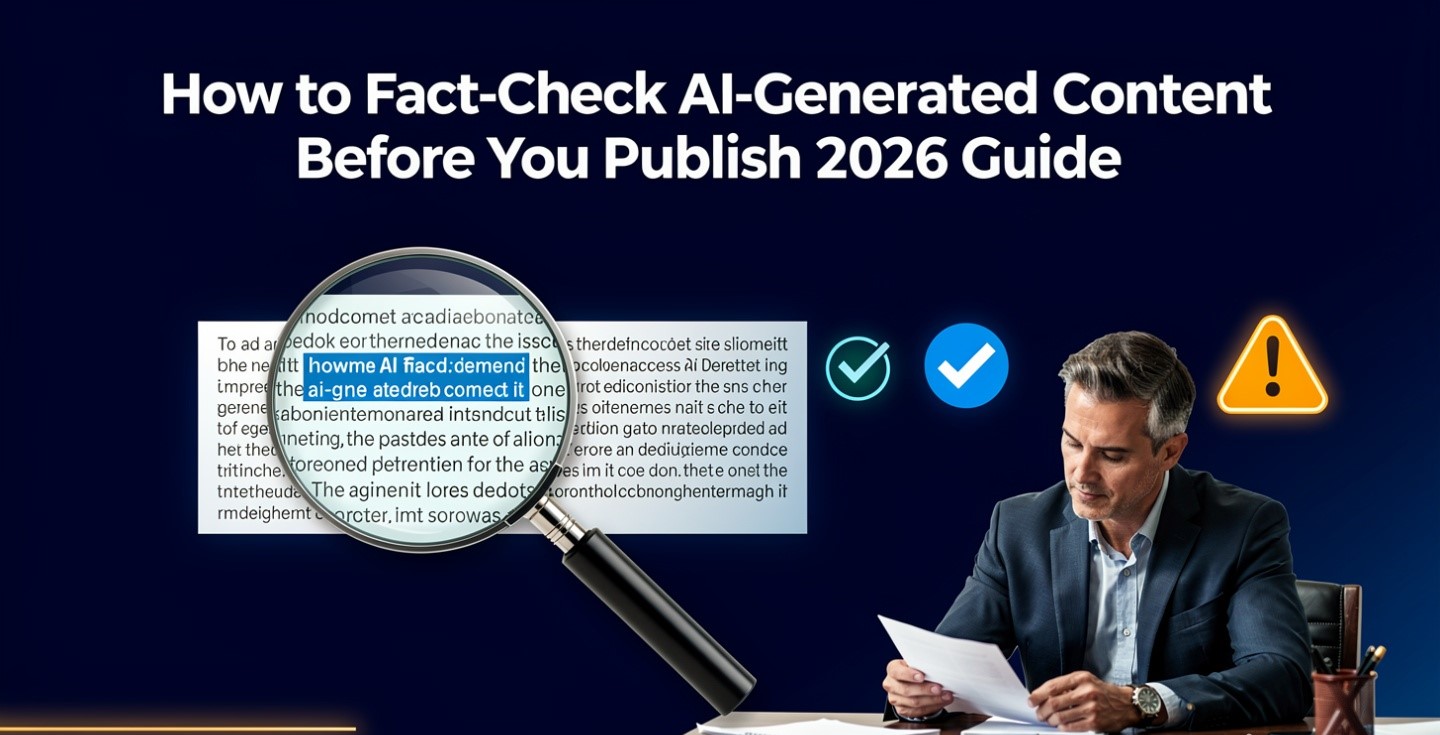
The reason you have to fact-check AI output is not that models are often wrong. It is that a confident wrong answer looks exactly like a confident right one, and the thing people rely on to tell them apart — a citation — is the part that fails most often.
That last claim is measured, not rhetorical. Below is what the research actually found, the seven ways AI output goes wrong, and a process to fact-check AI content that takes minutes rather than hours. Checked 21 August 2026.
What the research shows
The largest study of its kind was coordinated by the European Broadcasting Union and led by the BBC, published in October 2025. Twenty-two public-service media organisations across 18 countries assessed more than 3,000 AI assistant responses to news questions in 14 languages, scoring them on accuracy, sourcing, separation of fact from opinion, and context.
- 45% of responses contained at least one significant issue.
- 81% had some form of problem.
- 31% had significant sourcing problems — missing, misleading, incorrect or entirely fabricated attributions.
- 20% contained major accuracy issues, including invented details and outdated information.
- Performance varied sharply by assistant; one scored significant issues in roughly three-quarters of its answers, largely on sourcing.
Two details matter more than the headline number. First, sourcing was the single largest failure category — which demolishes the intuition that a cited answer is a checked answer. Assistants sometimes attributed claims to outlets that never made them, and in some cases fabricated quotes outright. Second, the results had improved on an earlier BBC round from February 2025. Things are getting better and remain unusable without checking.
The consequences are now documented at scale
This is no longer a theoretical risk with anecdotes attached.
A public database of court proceedings involving AI-fabricated citations recorded roughly 200 cases in mid-2025 and about 1,598 by June 2026 — and those are only the ones a judge noticed and wrote up. Sanctions have run into five figures in individual matters.
Outside the courts, Deloitte Australia agreed to partially refund a A$440,000 (roughly US$290,000) report for a government department after a researcher found references to academic works that did not exist and a fabricated quote attributed to a Federal Court judgment. The revised version disclosed that a generative AI system had been used. In 2026 a report by another major firm was withdrawn after an investigation found most of its citations were hallucinated.
These were professional organisations with review processes. The failure was not that they used AI; it was that nobody opened the links.
The seven ways AI output goes wrong
Knowing the failure modes makes checking fast, because you stop reading everything and start looking for specific shapes.
| Failure | How to catch it |
|---|---|
| Fabricated source — the paper, case or report does not exist | Search the exact title. Nothing found in two tries means it is not real |
| Real source, wrong claim — the link works but does not say that | The most dangerous one, because the citation checks out. Open it and find the sentence |
| Stale fact — true last year, wrong now | Anything with a price, a version, a job title or a legal deadline. Check the date on the source, not just the claim |
| Fabricated quote attributed to a real person or document | Search the quoted words verbatim. If only your draft contains them, delete it |
| Orphan statistic — a plausible number with no origin | Trace it to the study, the sample size and the year, or cut the number |
| False precision — an estimate rendered as an exact figure | If the source says “around a third” and your draft says 34.2%, the draft is wrong |
| Right fact, wrong context — accurate in isolation, misleading as framed | Read the sentences around the source’s claim, not just the claim |
Triage: you cannot check everything
Checking every sentence is why people abandon verification entirely. Sort by consequence instead.
| Claim type | Effort |
|---|---|
| Numbers, prices, dates, percentages, deadlines | Always verify against a primary source, and write the date you checked |
| Named people, companies, products, laws, cases | Always verify. Names are where fabrication concentrates |
| Quotes and attributions | Always verify verbatim, or paraphrase and drop the quotation marks |
| Anything medical, legal, financial or safety-related | Always verify, and consider whether you should be publishing it at all |
| Definitions, general explanations, structure | Skim. Errors here are visible to any informed reader and rarely consequential |
| Your own opinions and experience | Nothing to check — and the reason this part should be yours |
How to fact-check AI output in practice
Five steps, in order. On a typical article this takes twenty to thirty minutes.
1. Highlight every checkable claim. Before checking anything, mark the numbers, names, dates and quotes. This alone reveals how much of a draft rests on unverified specifics — usually more than people expect.
2. Go to the primary source, not a summary. The vendor’s own pricing page, the court docket, the study itself, the government notice. Secondary coverage repeats errors, and AI-assisted secondary coverage repeats them faster.
3. Open the link and find the actual sentence. Not the headline, not the abstract. The specific claim. This single habit catches the “real source, wrong claim” failure, which is the one that got professional firms into trouble.
4. Date everything. Write into the page when you checked a price or a policy. It is a trust signal to readers, it makes the page cheap to maintain, and it stops you re-verifying facts you already confirmed last week.
5. When sources disagree, say so. Two trackers reporting different numbers is information, not a problem to hide. Publishing the disagreement is more useful — and more defensible — than picking one silently.
Three things that do not work when you fact-check AI output
Asking the model to check itself. It will agree with itself, confidently, and its agreement carries no information. If you want a second opinion, use a different tool and give it the source rather than the claim — the comparison in ChatGPT vs Perplexity vs Claude for research covers which behaves best when handed primary material.
Trusting the citation because it exists. Sourcing was the largest failure category in the research above. A footnote is a claim about a source, and claims are what you are checking.
Running an AI detector. Detection tells you nothing about accuracy — human-written nonsense scores clean and verified AI-assisted writing gets flagged. The reliability problems with detectors are covered in the Grammarly review; the point here is simply that they answer a different question.
Red flags worth a second look
- Suspiciously round or suspiciously precise numbers. Both are tells — invented figures cluster at round values, and false precision is manufactured authority.
- A study named without a year, an author or a sample size.
- Confident claims about very recent events. Model knowledge lags, and search-augmented answers can blend current results with stale training material.
- Statistics that perfectly support the argument. Reality is messier; a number that fits too neatly is worth a harder look.
- Anything you were pleased to find. Motivated reasoning is not an AI problem, but AI supplies it faster.
- Legal, medical or regulatory specifics. This is where fabrication is both most likely and most costly.
Build it into the workflow, not the end
Verification fails when it is a final pass on a finished draft, because by then the wrong facts are load-bearing and removing them means rewriting. Fact-check AI material as you assemble it, so a claim that will not verify simply never enters the piece — the drafting sequence in writing content faster with AI puts verification before polish for exactly this reason.
Two habits make this cheap. Ask for sources at generation time rather than afterwards, which is partly a prompting problem — see writing better AI prompts. And use a tool that returns sources inline for research, as with the workflow in the Perplexity review, while remembering that inline citations move the checking to a convenient place rather than doing it for you.
There is a business case too. Verified, dated claims are the closest thing to a durable advantage a publisher has, because they are the part no model can generate — the same argument we made in writing SEO content without sounding robotic. And for anyone delivering work to clients, the ability to show your sources is what separates you from the firms in the section above; the professional-evidence habit is in AI tools freelancers actually use.
The general principle is the one from what AI agents can and can’t do: these systems are safe to use exactly where checking the work is cheap. Fact-checking is what makes it cheap. Skip it and you are not saving time, you are borrowing it at a bad rate.
Frequently asked questions
How often is AI wrong about facts?
Research led by the BBC and coordinated by the European Broadcasting Union assessed over 3,000 assistant responses about news across 14 languages and found 45% contained at least one significant issue and 81% had some problem, with sourcing the largest failure category. Rates vary by topic and assistant, but the direction is consistent.
Does a citation mean the fact was checked?
No. In that study, sourcing problems — missing, incorrect or fabricated attributions — affected 31% of responses. A footnote is a claim about a source. Open it and find the sentence that supports the claim.
Can I just ask the AI to fact-check itself?
No. A model asked to review its own output tends to agree with it, and that agreement carries no independent information. Check against primary sources, or hand a different tool the source document rather than the claim.
What should I check first?
Numbers, names, dates, quotes and anything legal, medical or financial. Definitions and general explanations rarely need verification because errors there are visible to any informed reader and cost little.
Do AI detectors help with accuracy?
No. Detection estimates how text was produced, not whether it is true. Human writing can be wrong and verified AI-assisted writing can be flagged. They answer a different question entirely.
How long should fact-checking take?
Twenty to thirty minutes for a typical article if you triage by consequence rather than checking every sentence. It takes far longer if you leave it to the end, because unverifiable claims by then are holding up the structure.
Sources
- EBU — international study on news integrity in AI assistants
- EBU and BBC — News Integrity in AI Assistants, full report (PDF)
- Al Jazeera — coverage of the EBU and BBC findings
- Fortune — Deloitte Australia’s partial refund over AI-generated errors
Research findings and case figures checked 21 August 2026. Court-case counts come from a database that is updated continuously and represents a floor rather than a total.

4 comments