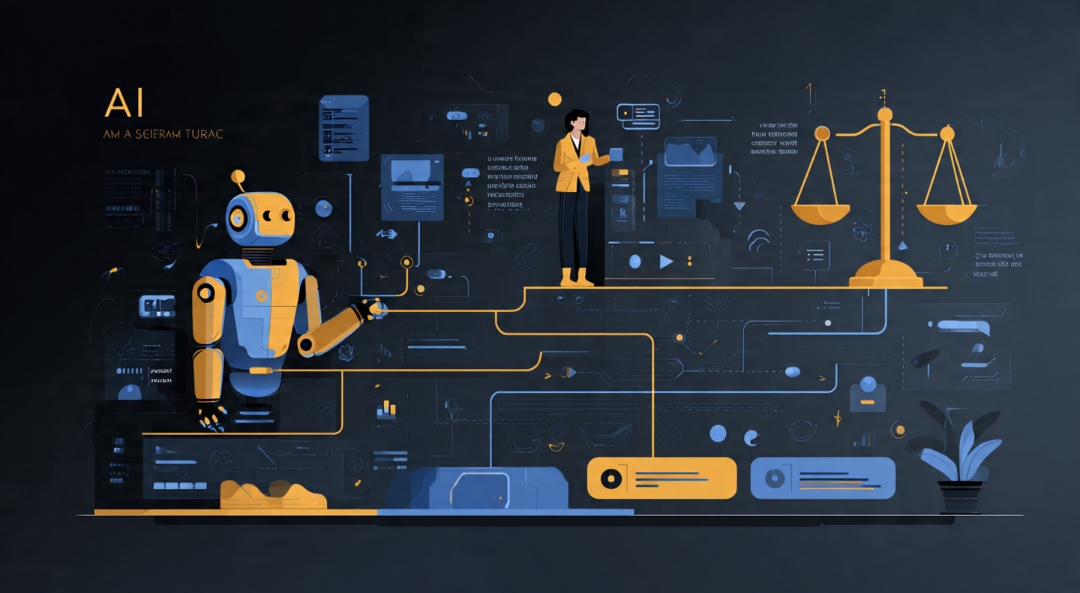
“Keep the human touch” is usually sold as a tone instruction. Train the bot to sound warmer, add an empathy line before the answer, never let it seem robotic. That advice misses what actually happens when you put AI in front of your queue, because the human touch in AI customer service is not a voice. It’s a structural consequence of which conversations reach a person, in what state, and what that person has to work with when they arrive.
Deploy AI properly and the composition of your human queue changes completely. The easy tickets vanish. What’s left is uniformly hard. Almost nobody plans for that, and it’s where most support teams quietly get worse in the year after a successful deployment.
Look at what AI is good at, and read the negative space
Aggregated reporting of Zendesk’s 2026 CX Trends data puts AI-handled customer satisfaction at 4.10 out of 5 against 4.30 for human agents. The headline gap is small. The breakdown by intent is not:
| Intent | AI CSAT (reported) | What it is |
|---|---|---|
| Password reset | 4.41 | Structured, single answer, no feelings |
| Refund status | 4.32 | A lookup with a clear result |
| Billing dispute | 3.61 | Money, disagreement, judgement |
| Complaint handling | 3.34 | Someone is already unhappy |
Treat the decimals as second-hand — these intent-level figures circulate through summaries rather than appearing on Zendesk’s own public pages — but the shape is not in dispute and it’s the shape that matters. Now read it backwards. If AI scores 4.41 on password resets, you will route password resets to it. If it scores 3.34 on complaints, you won’t. Within a few months your human agents are handling almost nothing but the 3.34 category.
That is the design working correctly. It is also a completely different job from the one those agents had last year, and pretending otherwise is how good teams burn out.
Your metrics will get worse, and that’s correct
Here is the trap almost every first deployment falls into. Six months in, someone opens the dashboard and sees that average handle time for human-handled tickets has gone up and human-queue CSAT has gone down. The obvious conclusion is that the agents got worse or the AI broke something.
Neither. You removed all the fast, high-scoring tickets from their queue. Their average was being propped up by password resets. Comparing post-deployment agent metrics against a pre-deployment baseline is comparing two different jobs and blaming the people for the difference.
The fix is procedural, not technical: rebaseline on the day AI goes live. Freeze the old numbers as history, start a fresh baseline for the human queue, and judge agents against the new mix only. If you skip this, your best people get worse reviews for doing harder work, and you will lose them in about a year. The measurement discipline in our guide to building the support system around the bot covers the customer-side metrics; this is the agent-side counterpart nobody sets up.
One more figure worth holding: research widely cited from Gartner finds AI deflecting north of 45% of queries while only around 14% reach genuine self-service resolution. The gap between those two numbers doesn’t disappear — it lands on your humans, as second contacts, from customers who have already failed once.
The training ladder you just removed
This is the consequence with the longest tail and the least coverage anywhere.
New support agents used to learn on easy tickets. Password resets, order status, shipping questions — dozens a day, low stakes, and while doing them the new hire absorbed the product, the tone, the systems and the edge cases. Nobody designed that ladder; it existed because the volume existed. AI ate the entire bottom rung.
So a new agent’s first live conversation is now a billing dispute with an angry customer who has already been through a bot. That’s a bad first day, a bad first month, and a fast route to attrition in a role that already has high turnover.
Three things that work:
- Build a synthetic ladder. Give new hires a week on archived AI transcripts before any live contact — reviewing what the bot answered, marking what it got wrong. They learn the product and the failure modes at once, with no customer at risk.
- Pair, don’t throw. First live weeks are shadowed or co-handled. The old model of “start on the easy queue” is gone; supervision has to replace it or nothing does.
- Reprice the role. If the job is now exclusively judgement, escalation and de-escalation, it’s a more senior job than it was. Paying the old rate for the new mix is why teams end up rehiring constantly. The same logic applies to how AI reshapes hiring more broadly — the work that survives automation is the work that needed a person all along.
The handoff is the human touch
Now the practical core. That 0.20-point CSAT gap between AI and human handling reportedly narrows to around 0.05 in hybrid flows with proper escalation. Bain’s figures point the same way: pure-AI handling reads as roughly three NPS points below an all-human baseline, while hybrid reads slightly above it. Same AI, same humans. The difference is the seam between them.
Zendesk’s own 2026 research — based on 6,182 consumers and 5,115 CX professionals across 22 countries — puts the mechanism plainly: 81% of consumers want a representative to pick up where they left off, and 74% are frustrated when they have to repeat information. Every failed handoff spends that goodwill.
Five rules, in order of how much they matter:
- The customer never repeats themselves. Full conversation context travels with the escalation — not a queue assignment, not a ticket number. If your agent’s first message is “can you explain the issue?”, the escalation failed before it started.
- The agent gets a summary, not a transcript. Conversation summarisation on escalation is reported to cut human handle time by 35–45%. This is the single highest-return AI feature in support and it points at your staff, not your customers.
- Escalate on sentiment, not just on confidence. A bot that’s confident and a customer who’s furious is the worst combination in support. Frustration should trigger a handoff even when the AI believes it has the answer.
- Never dead-end. There should always be a path to a person — the head of one major support-AI vendor made exactly this point publicly in 2026, which tells you the vendors have stopped pretending otherwise.
- Name the human. “I’m Sara, I’ve read the whole thread, here’s what I’m going to do.” Two sentences that undo most of the damage of a failed bot conversation.
Honesty beats a persona
The instinct is to give the bot a human name and let the ambiguity ride. Zendesk’s 2026 data reports that 63% of customers say their demand for transparency has risen compared with a year earlier — and a customer who works out mid-conversation that “Alex” is software is more annoyed than one who knew from the first line.
Label the AI clearly, make the route to a person visible rather than hidden behind three refusals, and don’t have the bot apologise in a register it can’t back up. There’s a legal dimension to disclosure in some markets too, which we covered alongside the escalation architecture in the support system guide — but the commercial case stands on its own without it.
The same logic applies to what the bot is allowed to attempt. Scope discipline is a trust decision as much as a technical one: the rules for what a no-code bot should and shouldn’t answer are in the chatbot build guide, and the general limits of autonomous handling in what AI agents can and can’t do.
The staffing arithmetic nobody runs
The tempting maths: AI handles 40% of volume, so cut 40% of the team. That’s wrong in a specific and expensive way.
Say 1,000 tickets a month. AI absorbs 400 — overwhelmingly the fast ones that averaged four minutes. The 600 remaining were already the slow ones, and now they arrive pre-frustrated with a failed bot attempt behind them, so call it twelve minutes each rather than the ten they used to take. Your total human minutes drop far less than 40%, and your peak-load exposure barely moves at all, because complaints don’t queue politely.
The honest planning number is usually a headcount reduction well under the deflection rate, and for small teams often none at all — what you buy is coverage and speed, not fewer people. Industry-average handle time entering 2026 sits around six minutes overall, which is a reasonable sanity check against whatever your vendor’s model assumes. Run the arithmetic with your own two numbers before anyone commits to a headcount plan; the cost picture in cutting costs with AI works the same way.
The first 90 days
- Rebaseline agent metrics on go-live day. Freeze the old numbers.
- Read fifty escalated conversations by hand in month one — not summaries, the actual threads.
- Track re-contact rate on AI-handled tickets. A rising number means conversations are being closed, not resolved.
- Ask your agents monthly what the bot is sending them that it shouldn’t. They’ll know before any dashboard does.
- Feed every escalation back into scope: each one names something the AI couldn’t handle.
- Review pay and role definition at 90 days, once you can see what the job has actually become.
Everything above assumes the AI part is already competent. If it isn’t, none of this saves you — start with choosing the right platform for who’s on the other side and work forward from there.
Frequently asked questions
What does “human touch” actually mean in AI customer service?
Structurally, it means the seam works: context travels with the escalation, the customer never repeats themselves, and a real person can take over mid-conversation with everything already in front of them. Reported figures show the AI-versus-human satisfaction gap nearly closing in hybrid flows with good escalation — the touch is in the handoff, not the wording.
Why did our agent metrics get worse after deploying AI?
Because the AI took all the fast, easy tickets. Handle time rises and satisfaction dips on the human queue by design, since only the hard conversations remain. Rebaseline agent metrics on the day AI goes live rather than comparing against a queue that no longer exists.
Which support tickets should stay with humans?
Anything involving money in dispute, an unhappy customer, an exception to policy, or a judgement call. Reported satisfaction data puts AI well below human performance on complaints and billing disputes while beating humans on structured lookups like password resets and order status.
Should I tell customers they’re talking to AI?
Yes. Transparency demand is rising year on year in customer research, and a customer who discovers mid-conversation that they’ve been talking to software is more annoyed than one who knew from the start. Some markets also impose disclosure obligations.
How many agents can I cut after deploying AI support?
Fewer than the deflection rate suggests. If AI absorbs 40% of volume, it absorbs the fastest 40%, while the remaining tickets get slower because they arrive after a failed bot attempt. Model it in agent-minutes rather than ticket counts before making any headcount decision.
How do you train new support agents when AI handles the easy tickets?
Replace the vanished ladder deliberately: a week reviewing archived AI transcripts and marking errors before any live contact, then paired or shadowed handling for the first weeks. The old model of learning on the easy queue no longer exists, so supervision has to take its place.



4 comments