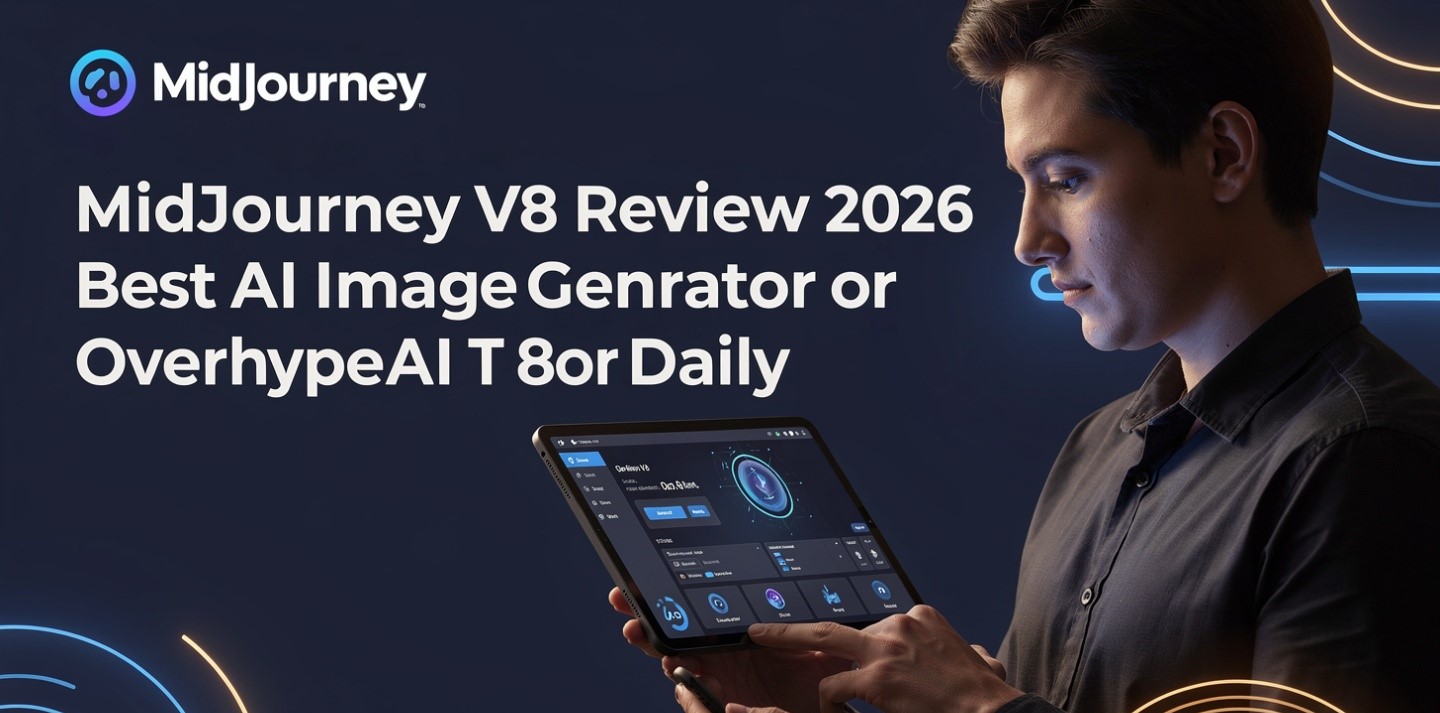
Midjourney V8 exists. It is probably not what you’re generating with.
That’s the single most useful thing this Midjourney V8 review can tell you, and it’s the thing almost no other review mentions: as of mid-2026, Midjourney’s own version documentation still lists V7 as the current default, and reaching V8.1 depends on your settings rather than on the release date.
What actually shipped, and when
The sequence, as best it can be pieced together:
- February 2026 — Midjourney ran a V8 “rating party,” asking users to compare image pairs to refine the model before release.
- Around 17 March 2026 — V8 entered alpha, built on a rewritten codebase, with claims of much faster generation, native 2K output, improved text rendering and better prompt adherence.
- 30 April 2026 — V8.1 released, described as the fastest model to date, with HD 2K support and Raw mode options (version summary).
And yet reporting through mid-2026 consistently notes that the official docs still list V7 as default, and that V8.1 requires a Global V7/V8 Personalization Profile and may not be the default for every user.
So the honest framing is that V8 is a major update in progress rather than a settled release. Practically: check which version your account is actually using before you draw any conclusion about whether “Midjourney got better.”
The claims that don’t agree
Worth flagging before any of the numbers below get repeated elsewhere.
Speed claims vary and use different baselines. One source reports V8 rendering roughly five times faster than V7; another says standard jobs run about four to five times faster than earlier versions; a third says V8.1 is three times faster than V8. Those aren’t necessarily contradictory, but they’re not comparable either, and none of them is a controlled measurement.
More seriously, some widely-syndicated write-ups make specific claims I could find no corroboration for — a stated 95% accuracy figure on multi-subject prompts, native text-to-video at 60fps, and an official API released in late 2025. Treat precise-sounding specifications from a single source as unverified.
What appears consistently across sources: it’s faster, text rendering improved substantially, prompt adherence improved, and 2K output is native rather than a separate upscale step. Those are the claims worth planning around.
You’re buying GPU time, not images
This is the mechanic that catches almost every new subscriber, and it hasn’t changed with V8.
Your plan doesn’t include a number of images. It includes an allowance of fast GPU time. How many images that produces depends on what you generate and which mode you’re in.
| Plan | Monthly | Key inclusion |
|---|---|---|
| Basic | ~$10 | Fast GPU time only — no Relax mode |
| Standard | ~$30 | Adds unlimited Relax mode for images |
| Pro | ~$60 | Adds Stealth Mode (private generations) |
| Mega | ~$120 | More fast hours, higher-volume workflow |
Annual billing is reported at roughly 20% off every tier. There is no free plan and no free trial — free trial credits were phased out, so $10 is the cheapest way to generate a single image (pricing guide).
The $60 floor nobody mentions
Here’s the finding that should decide the plan choice for a meaningful number of readers.
Images generated on Basic and Standard appear publicly on Midjourney’s Explore page by default. Stealth Mode — which keeps your generations private — is exclusive to Pro at ~$60 and Mega at ~$120 (eesel).
So if you’re producing anything for a client, anything under NDA, anything involving an unreleased product, or anything you’d simply rather not have public, your entry price is $60, not $10. That’s a six-fold difference that never appears in a headline comparison, and it’s the kind of detail that turns into an awkward conversation rather than a bill — the contract-chain problem set out in AI for creative agencies.
Check this before your first client brief, not after.
Fast, Relax and Turbo — and one V8 gotcha
Fast is the default and draws from your monthly GPU allowance.
Relax is unlimited but queued, with reported waits of anywhere from zero to thirty minutes. It’s available on Standard, Pro and Mega for images — which is the real reason to move off Basic. On Basic, when the fast hours are gone, you stop.
Turbo generates up to four times faster than Fast but consumes twice the GPU time per image, so it empties your allowance at double speed. And the V8-specific note: Turbo is reported as not supported in Midjourney V8.1 Alpha.
The practical technique that follows is the same one that applies to metered generative video: explore in Relax, finish in Fast. Use unlimited slow generation to find the composition, then spend the metered fast hours on the version you’ve already chosen. That habit is what makes Standard workable and Basic frustrating.
What V8.1 is genuinely better at
Text inside images. This has been the standing weakness of every image model, and it’s where the improvement is most visible. Putting text in quotation marks within a prompt reportedly produces markedly more accurate rendering — readable signage, clean product labels, legible typography on posters and covers. It isn’t perfect, and it’s still alpha, but it’s a real step.
Prompt adherence on complex compositions. Multi-element briefs specifying colour palettes, spatial arrangement, lighting and materials render closer to the instruction than they did in V7, which is where most retries used to come from.
Native 2K. Getting HD output without a separate upscale step saves both time and GPU allowance.
Small-detail retention, which matters most for product and fashion work.
Where it’s strongest overall is briefs that benefit from mood, lighting and composition — cinematic portraits, environments, product concepts, fashion. That’s been Midjourney’s territory since the beginning and V8 sharpens it rather than changing it.
What it doesn’t fix: it’s still an aesthetic-first model. If you need diagrams, precise layouts or anything requiring literal accuracy over beauty, this remains the wrong tool — and for a specific common job, creating a logo with AI covers why the output being pretty is the least of the considerations.
Video, briefly
Midjourney animates generated or uploaded images into short clips. Generations reportedly start at five seconds and extend to around twenty-one.
That’s a genuine convenience if you’re already in Midjourney for stills, and it’s not a substitute for a dedicated tool if video is the job. The honest comparison of what free and paid generative video actually delivers is in making AI videos without editing skills.
Who should be on which plan
| If you | Plan | Why |
|---|---|---|
| Are testing whether Midjourney suits you | Basic | No free trial exists, so this is the trial |
| Generate regularly for your own projects | Standard | Relax mode is the upgrade; the fast hours are secondary |
| Produce anything for a client or under NDA | Pro | Stealth Mode is the requirement, not a luxury |
| Run high volume commercially | Mega | Fast hours become the constraint at scale |
| Need diagrams, layouts or literal accuracy | None | Wrong category of tool |
| Need indemnification for commercial output | Look elsewhere | See the Adobe Firefly review |
The verdict
V8.1 is a real improvement, particularly on text rendering and prompt adherence, and it makes Midjourney faster in a way you notice immediately. If you’re already subscribed, enable it and see whether your account is actually running it.
But it doesn’t change the purchase decision, because the purchase decision was never about the model. It’s about the meter — GPU time rather than images — and about which tier keeps your work private. Someone paying $10 and generating publicly is having a fundamentally different experience from someone paying $60 and generating privately, regardless of which version either of them is on.
And treat “alpha” as meaning what it says. For a client deadline, the default version is the safer bet; V8.1 is for speed-sensitive exploratory work where a surprise costs you nothing.
For how it sits against the alternatives, Midjourney vs DALL·E vs Firefly covers the hosted options, Midjourney vs Stable Diffusion covers the open-weights route and what “free” actually costs there, and Midjourney vs Adobe Firefly on commercial use covers the three separate legal questions people tend to merge. The wider stack is in the best AI tools for small business owners.
Frequently asked questions
Is Midjourney V8 the current default version?
Reportedly not. Midjourney’s official version documentation was still listing V7 as the current default through mid-2026, with V8 Alpha arriving around 17 March 2026 and V8.1 on 30 April. V8.1 also reportedly requires a Global V7/V8 Personalization Profile, so it may not be active for every account. Check which version your account is set to before assuming you’re using it.
How much faster is V8?
Sources disagree and use different baselines — roughly five times faster than V7 in one account, four to five times faster than earlier versions in another, and three times faster than V8 for V8.1 in a third. It is clearly and noticeably faster; the precise multiple isn’t established by any controlled measurement.
What does a Midjourney subscription actually include?
Fast GPU time, not a number of images. How many images you get depends on what you generate and which mode you use. Plans run roughly $10 Basic, $30 Standard, $60 Pro and $120 Mega, with annual billing reported at about 20% off, and there is no free plan or free trial.
Why do I need the Pro plan for private images?
Because Stealth Mode, which keeps generations off Midjourney’s public Explore page, is exclusive to Pro and Mega. Images generated on Basic and Standard are public by default. Any client, NDA or unreleased-product work therefore starts at roughly $60 a month rather than $10.
Should I use Turbo mode on V8?
You may not be able to — Turbo is reported as unsupported in V8.1 Alpha. Even where it works, Turbo generates up to four times faster while consuming twice the GPU time per image, so it halves the life of your allowance. Exploring in Relax mode and finishing in Fast is the more economical habit.
Is V8 worth upgrading a plan for?
No, because the model version isn’t tied to your plan. Upgrade for Relax mode if you’re hitting the fast-hours wall on Basic, or for Stealth Mode if your work needs to be private. V8.1 comes with your existing subscription once it’s enabled on your account.