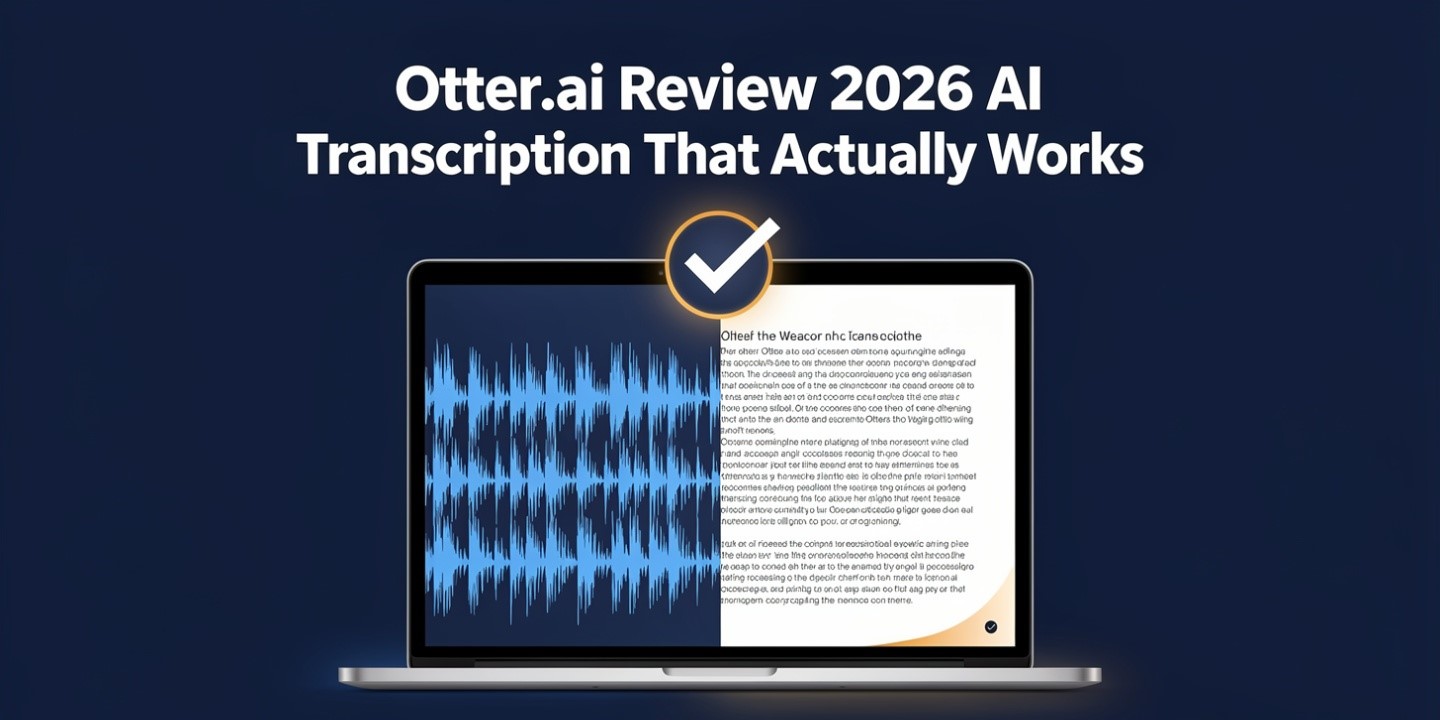
Every Otter AI review compares the same number: monthly transcription minutes. 300 on free, 1,200 on Pro, unlimited on Business. It’s the number on the pricing page, so it’s the number everyone argues about.
It’s the wrong one. The limit that decides whether Otter works for you is the per-meeting length cap, and it’s the one nobody leads with — because minutes are fungible and a truncated meeting isn’t. Run out of monthly minutes and you ration. Hit the per-conversation ceiling and the transcript simply stops, usually in the second half of the call where the decisions get made.
Pick your tier by your longest meeting
| Plan | Per meeting | Per month | Price |
|---|---|---|---|
| Basic (free) | 30 minutes | 300 minutes | $0 |
| Pro | 90 minutes | 1,200 minutes | ~$8.33/user annually, ~$16.99 monthly |
| Business | 4 hours | Uncapped | ~$19.99/user annually, ~$30 monthly |
| Enterprise | Custom | Custom | Sales-quoted |
Read that first column, not the second. On the free plan, 300 minutes sounds like five hours — but with a 30-minute ceiling per conversation, it’s really ten short calls. A standard hour-long meeting gets cut off halfway through and there’s nothing you can ration to prevent it.
Pro’s 90 minutes covers almost everything except workshops, training sessions and long client calls. If your calendar has a recurring two-hour block in it, Pro will fail on that block every single time, no matter how few minutes you’ve used. That’s the actual trigger for moving to Business — not volume.
The second thing worth knowing before you commit: there’s no way to top up minutes mid-cycle. Other tools let you pay your way out of a wall. Otter doesn’t. You stop until the billing period rolls over. That makes the monthly cap a scheduling risk rather than a budget line, and it’s the kind of thing you discover on the wrong day.
The five-seat minimum
Here’s the cost that quietly reshapes the whole decision, and most reviews skip it: Business bills a minimum of five seats, whether or not you have five people.
A three-person team looking at Business sees $19.99 per user and mentally budgets $60 a month. The real annual-billed figure is roughly $100 a month, because you’re paying for five. That’s not a scandal — plenty of team tools do it — but it changes the arithmetic completely against three Pro seats at around $25 a month combined.
So the honest small-team calculation is:
- Three Pro seats: ~$25/month, 90-minute meeting cap, 1,200 minutes each, no admin controls, no concurrent meetings.
- Business at the five-seat floor: ~$100/month, four-hour meetings, uncapped minutes, admin controls, three concurrent meetings.
Four times the price. If your meetings all fit inside 90 minutes and nobody needs to manage the account centrally, the answer is obvious. If they don’t, you’re paying for the length cap and the admin layer, and the extra minutes are incidental. Framing it that way tends to settle the argument faster than a feature comparison — the same logic that runs through cutting software costs on a small team.
Three lifetime file imports
Small detail, disproportionate consequences. The free plan’s file-import allowance is three lifetime imports. Not three a month. Three, ever.
Anyone evaluating Otter by uploading old recordings — which is the obvious way to test transcription quality — burns the entire allowance in one sitting and then can’t test anything else. Pro moves to 10 imports a month; Business removes the cap. If your use case is processing existing audio rather than live meetings, the free tier isn’t a trial, it’s a demo.
The pricing display
The prices Otter shows first are the annual-billed rates. Pay monthly and Pro is roughly $16.99 rather than $8.33, and Business is roughly $30 rather than $19.99. The “save 51%” and “save 33%” banners are simply the gap between those two columns.
That’s not deceptive — it’s how most SaaS pricing pages work now — but it does mean the headline number is the one you pay only if you commit for a year up front. There’s also a student discount reported at 20% on Pro with an .edu address, which is worth asking about if it applies to you. Prices and caps here change often enough that the official pricing page is the only figure worth trusting; independent breakdowns like this cost-per-hour analysis and this worked team-maths guide are useful for the limits Otter doesn’t put on the page.
What Otter is turning into
The product you’d buy Otter for and the product Otter is building have started to diverge, and it’s worth knowing before you commit a team to it.
Through 2025 and into 2026 the company shipped a suite of voice AI agents: a Meeting Agent that can speak during calls and take actions, a Sales Agent for live call coaching, an autonomous SDR agent that runs product demos for website visitors, and a set of named agents for education, media and recruiting. These are separate SKUs priced through sales, with no public numbers attached.
Two implications. First, the transcription tiers increasingly look like the top of a funnel rather than the main event — which affects where product investment goes over time. Second, anything you’re quoted for the agent layer sits outside the published pricing entirely, so budgeting from the pricing page will understate a full deployment. Autonomous agents that act during live customer conversations also carry the reliability problem we laid out in what AI agents can and can’t do — worth reading before anyone lets one speak on a sales call.
What it’s genuinely good at
None of the above makes Otter a bad product, and it’s still the right answer for a specific set of people.
Live transcription and captions. This is where Otter is best-in-class and always has been. Real-time captions during a call, readable and fast, with speaker identification that reportedly now handles up to ten speakers on the free tier. For accessibility, for students, for anyone who needs to follow a conversation as it happens rather than read it afterwards, nothing else is as good at this price.
Collaborative notes. Multiple people annotating a live transcript, highlighting and commenting as the meeting runs, is a genuinely useful workflow that most competitors treat as an afterthought.
Cheap individual use. Pro at around $8.33 a month annually is one of the least expensive ways to get reliable real-time transcription with summaries. For one person with a normal meeting load and nothing over 90 minutes, it’s very hard to beat.
Reported free-tier changes in 2026 also went in the user’s favour on some axes — improved speaker identification, basic sentiment detection, a 10-minute extension option — while tightening others, with bulk export removed for free users and stricter API rate limits. That comes from a single source, so treat it as directional rather than confirmed.
Who should buy it, and who shouldn’t
- Buy Pro if you’re an individual, your meetings fit inside 90 minutes, and you want live captions and clean summaries at the lowest sensible price.
- Buy Business if your meetings run long, or you need central admin, or you genuinely need three concurrent meetings covered — and you’ve accepted the five-seat floor.
- Don’t buy it if your work is mostly processing existing recordings; the import limits fight you and per-hour transcription services price that use case better.
- Don’t buy it if you need deep CRM integration on every call — that’s a different category of tool, and the trade-offs are laid out in our notetaker comparison and the Fireflies review.
- Don’t buy it if what you actually want is to edit the recording rather than read it — that’s a transcript-based editor’s job.
One thing that applies whichever you choose: recording other people carries obligations that land on you rather than on the vendor, and they vary by jurisdiction. That’s covered properly in the comparison piece, and it’s not optional reading if you record client calls. Practitioners billing for their time — consultants, coaches, advisors — should also think about where session notes end up before automating capture, as we discussed in scaling advisory work.
The verdict
Otter remains the best live-transcription experience available at consumer prices, and Pro is a genuinely good deal for one person. The friction is structural rather than technical: caps that cut where it hurts, no way to buy your way past them mid-cycle, a seat floor on the team tier, and a company whose attention is visibly moving toward agents.
Choose your tier by the length of your longest meeting, check whether the five-seat minimum applies before you compare team prices, and don’t evaluate it by uploading old files. Do that and you’ll know within a week whether it fits. For the wider stack, the small-business tool guide puts it in context, and solo operators will find the subscription-discipline argument in the solopreneur piece.
Frequently asked questions
What is Otter AI’s meeting length limit?
Thirty minutes per conversation on the free plan, 90 minutes on Pro, and four hours on Business. This matters more than the monthly minute total, because a meeting that exceeds the cap is simply cut off — you can’t ration your way around it.
How much does Otter AI cost in 2026?
There’s a free Basic plan. Pro runs roughly $8.33 per user monthly on annual billing or about $16.99 paying monthly; Business is around $19.99 annually or about $30 monthly. Enterprise is sales-quoted. The headline figures on the pricing page are the annual rates.
Does Otter Business really have a five-seat minimum?
Yes, it’s reportedly billed at a minimum of five seats regardless of team size. A three-person team pays for five, which makes Business roughly $100 a month on annual billing rather than the $60 the per-user price implies. Compare that against three Pro seats before deciding.
Can I buy more Otter minutes if I run out?
No. There’s no mid-cycle top-up, so hitting the monthly cap means waiting for the next billing period. That makes the cap a scheduling risk rather than a budget line, and it’s a real argument for the uncapped Business tier if your volume is unpredictable.
How many files can I upload on the free Otter plan?
Three, in total — a lifetime allowance rather than a monthly one. Pro allows around 10 imports a month and Business removes the limit. If you’re testing Otter by uploading old recordings, you’ll exhaust the free allowance almost immediately.
Is Otter AI worth it in 2026?
For individuals wanting live captions and real-time transcription at a low price, yes — Pro is among the best value in the category and the live experience is still best-in-class. For teams with long meetings it gets expensive fast once the seat floor applies, and for processing existing audio files a per-hour transcription service usually costs less.

2 comments