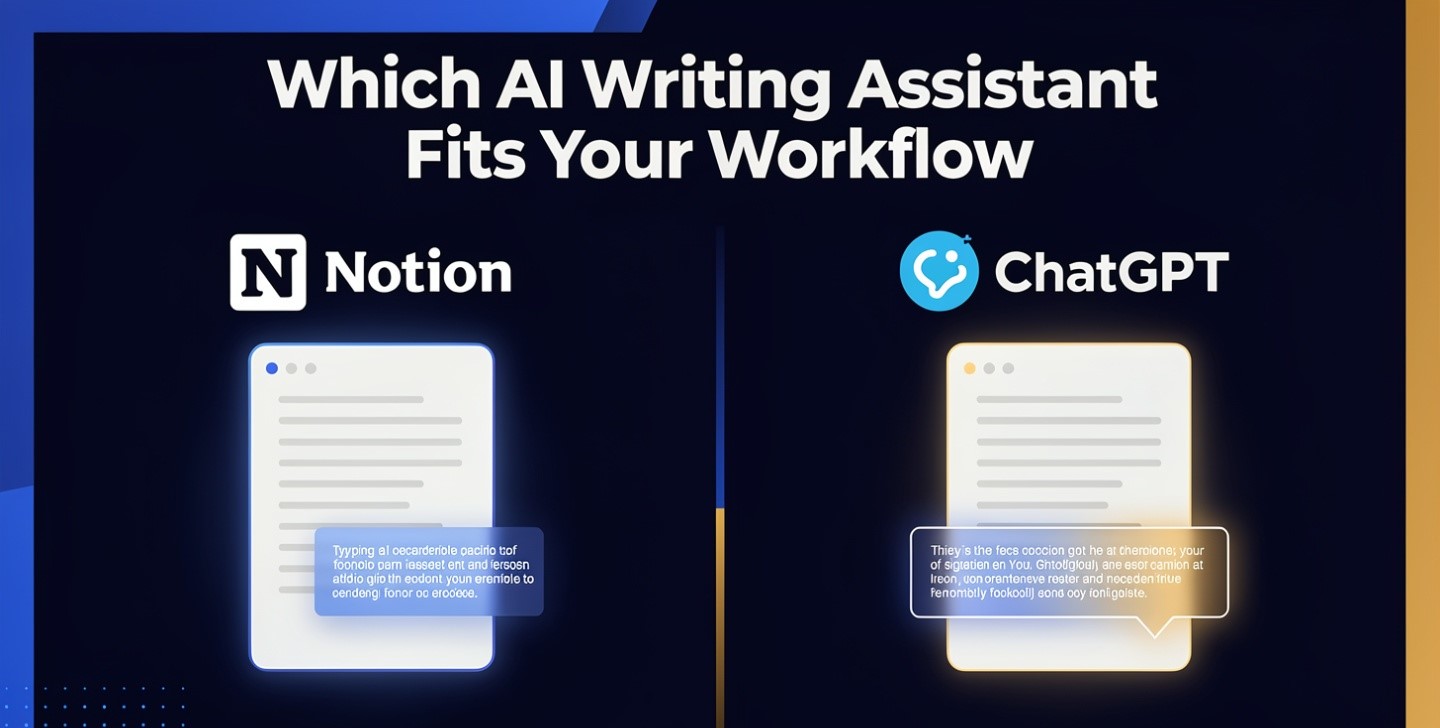
Every Notion AI vs ChatGPT comparison lands on the same sentence: Notion AI can see your workspace, ChatGPT can’t. True, and not the part that should decide anything.
The decision-relevant difference is write access. Notion AI can modify your data — edit pages, restructure databases, create records. ChatGPT touches nothing in your environment unless you personally paste something into it. That’s a permissions question rather than a capability question, and it flips the risk profile in a way no feature table shows.
One tool reads. The other one writes to your system of record.
Notion is where a lot of small teams keep the thing that matters most: the current state of their projects, decisions, client notes and documentation. That’s a system of record, and the distinction between tools that produce output and tools that hold state is the one that governs every AI substitution decision — laid out in AI tools that replace expensive software.
Putting an AI inside a system of record is genuinely powerful. Ask it to turn a messy meeting page into action items in the right database and it does — no copying, no re-formatting, no losing the thread. That’s the strongest thing about Notion AI and it’s not really about writing at all.
It also means mistakes land in your data rather than in a chat window. A ChatGPT hallucination is a bad paragraph you delete. A Notion AI action that reorganises a database or edits the wrong page is a change to the record, and your undo path is Notion’s version history rather than a fresh prompt.
So the honest framing: ChatGPT’s errors are cheap and visible. Notion AI’s errors are cheaper to make and harder to notice. That asymmetry should shape how much autonomy you give each.
The permission problem nobody mentions
Here’s the point that should stop some teams from enabling it at all.
Notion AI operates at the permission level of the workspace it’s in. If a page is visible to the person asking, the AI can surface it — which is exactly right in principle and uncomfortable in practice, because most Notion workspaces accumulate things nobody thought about: salary discussions, performance notes, client contracts, half-finished strategy documents, an HR page someone shared too widely two years ago.
A model that reads everything a user can read will occasionally surface something in a context where nobody would have gone looking for it. That isn’t a bug; it’s the feature working. But it means enabling AI across a workspace is a permissions audit disguised as a product decision.
ChatGPT has no equivalent exposure by default, precisely because it can’t reach anything. What you paste is what it knows. That’s a limitation and, for some teams, a protection — the same trade examined from the other direction in the Notion AI review.
If you’re doing client work, the upload question is a contractual one before it’s a practical one, which is the subject of AI for creative agencies.
The prices look identical and aren’t
Both land near $20, which is where most comparisons stop. The structures are completely different.
| Notion AI | ChatGPT | |
|---|---|---|
| Who pays | Every seat in the workspace | The individual using it |
| Entry point for full AI | Business, reported ~$20/user/month annual | Plus, $20/month; free tier is usable |
| Buy AI alone? | No — it comes with the workspace tier | Yes |
| Extra meter | Custom Agents on Notion credits | Higher tiers for heavier use |
Run the arithmetic for a ten-person team. ChatGPT for the two people who actually need it is $40 a month. Full Notion AI for the same team means upgrading the workspace — roughly $200 a month — because you can’t buy it for the two people who’d use it.
Then the layer that isn’t on the pricing page. Custom Agents have been metered since 4 May 2026 at a reported $10 per 1,000 Notion credits, pooled across the workspace, reset monthly, with no rollover. And the behaviour at zero matters: reporting indicates that when the pool is exhausted, every agent in the workspace pauses until the next cycle or an admin buys more (comparison with pricing detail).
A shared pool with a hard stop means one person’s enthusiastic automation can switch off everybody’s. If you build anything scheduled or triggered on it, that’s an operational dependency worth knowing about before it happens on a Thursday.
Where each actually wins
| Task | Better | Why |
|---|---|---|
| First draft of publishable content | ChatGPT | More varied vocabulary and better flow; Notion AI reads more templated |
| Summarising a document already in Notion | Notion AI | No copying, and it knows which page you mean |
| Summarising something you pasted | Tie | Both do this well |
| Turning messy notes into a structured database | Notion AI | It can write the result into the right place |
| Open-ended brainstorming | ChatGPT | Stays useful much longer when the question is vague |
| Finding something buried six months back | Notion AI | Retrieval over your own material is the core value |
| Editing or continuing text already on the page | Notion AI | In-place editing beats a round trip |
| Anything needing code, analysis or images | ChatGPT | Not a category Notion AI competes in |
| Long document analysis | Either, carefully | Both degrade with length — see below |
On that last row: neither tool escapes the physics of long context, and a workspace assistant reading across many pages is doing exactly the thing that degrades most. The techniques that make long-document work reliable — extract first with verbatim quotes, reason second in a fresh context — are in using AI for long documents, and they apply here regardless of which tool you’re in.
What Notion AI users actually complain about
Worth reporting honestly, because the marketing doesn’t.
The recurring criticisms in user discussion are: questionable value against simply copying and pasting into a general assistant, frustration with research mode, limited search scope, and ambiguity about which model is running underneath at any given time.
That first one is the substantive test. If your honest workflow is “select text, copy, paste into a chat, paste the result back,” you’re paying for the removal of about fifteen seconds of friction per task. Multiply that by your actual task count before deciding it’s worth an upgrade for every seat.
The counterweight, and it’s real: the value isn’t superior AI capability — general assistants win that comparison — it’s context plus friction reduction. Whether that’s worth per-seat pricing depends entirely on how full your workspace is. A rich workspace makes it obviously worth it. A thin one makes it an expensive text editor.
The workflow most people actually land on
Nearly every honest account converges here: use both, split by role.
- General assistant for thinking — research, first drafts, brainstorming, pressure-testing ideas, anything generated from scratch.
- Notion AI for shipping — converting notes to actions, answering questions about existing projects, editing in place, keeping the workspace current.
One handoff rule makes this work: the workspace is the destination, not the drafting surface. Think in the conversation, finish in Notion. Trying to do exploratory work inside a system of record produces half-formed pages that later read as decisions.
The drafting side of that split is covered in writing content faster with AI, and the feature-level detail that actually changes ChatGPT’s output — custom instructions, project scoping, memory — is in using ChatGPT effectively.
Who should pick only one
| If you | Pick |
|---|---|
| Don’t use Notion, or use it lightly | ChatGPT only — the workspace advantage doesn’t exist for you |
| Run a genuinely full Notion workspace as a team | Notion AI, and add a general assistant for the two people who draft |
| Are a solo operator on a tight budget | ChatGPT only — copy and paste is cheaper than a workspace upgrade |
| Have sensitive material scattered across the workspace | Audit permissions before enabling anything |
| Need code, images, analysis or deep research | ChatGPT — not a comparison |
The third row is worth stating plainly because the upgrade path is seductive: for one person, the difference between paying $20 for a capable assistant and upgrading a whole workspace to get a less capable one embedded is not close. The solopreneur stack is in AI tools for solopreneurs, and for what ChatGPT specifically is worth on its own, the ChatGPT review. The wider picture is in the best AI tools for small business owners.
Frequently asked questions
What’s the real difference between Notion AI and ChatGPT?
Write access. Notion AI is embedded in your workspace and can modify your data — editing pages, restructuring databases, creating records. ChatGPT is a standalone assistant that touches nothing in your environment unless you paste something in. Both can write text well; only one can change your system of record.
Which writes better?
ChatGPT, for first drafts of creative or publishable content — more varied vocabulary and better flow. Notion AI is stronger at editing, summarising and continuing text already on the page, and its output is generally described as more structured but more templated, which suits internal documents better than published ones.
Can I buy Notion AI on its own?
No. Full AI comes with the Business workspace tier, reported at around $20 per user per month on annual billing, so you’re upgrading the whole workspace rather than the people who’d use it. Custom Agents add a separate meter on Notion credits, reported at $10 per 1,000, pooled across the workspace with no rollover.
What happens when Notion credits run out?
Reporting indicates every agent in the workspace pauses until the next monthly reset or until an admin purchases more. Because the pool is shared, one person’s heavy automation can stop everyone else’s, which makes anything scheduled or triggered an operational dependency worth planning around.
Is there a privacy concern with Notion AI?
It’s a permissions question. The AI operates at workspace permission level, so anything a user can see, it can surface — which is correct behaviour but uncomfortable in workspaces that have accumulated HR notes, salary discussions or client material with loose sharing settings. Audit permissions before enabling it broadly. ChatGPT has no equivalent exposure by default because it can’t reach your files.
Should I use both?
Most people who use both land on the same split: a general assistant for thinking — research, drafts, brainstorming — and Notion AI for shipping inside the workspace. The rule that makes it work is treating the workspace as the destination rather than the drafting surface.