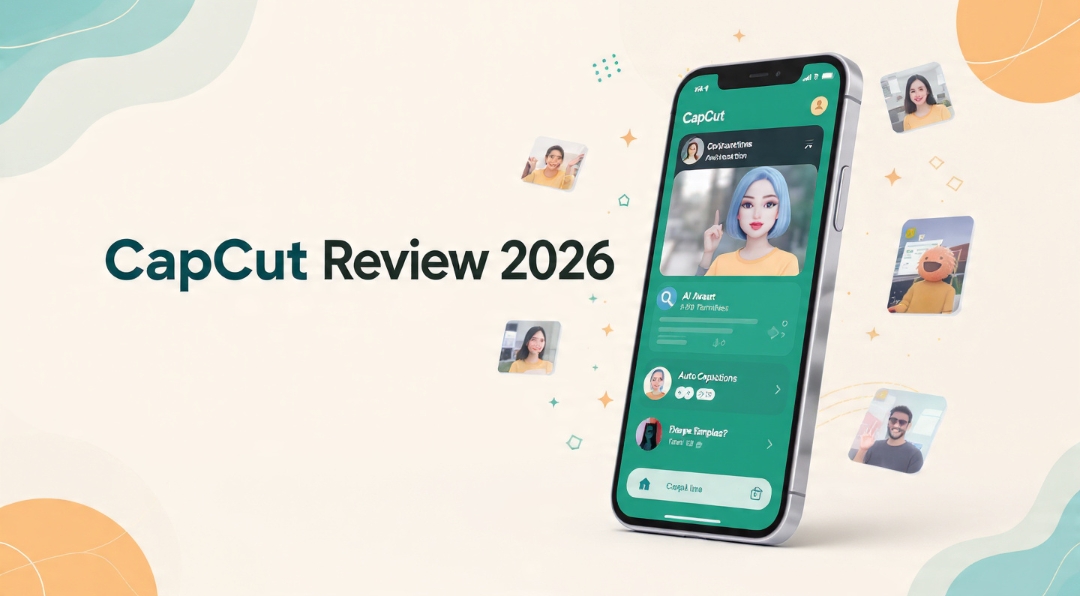
Any CapCut review that opens with “CapCut, ByteDance’s free video editor” is describing an app that no longer exists in quite that form. The timeline still works the same way. The templates are still the best in mobile video. But three things underneath the product changed during 2025 and 2026, and none of them are features: who you’re signing a contract with, what the word “Pro” refers to, and what your subscription actually buys you the right to do.
The editor is genuinely good and that part is not in dispute. This review is about the three things the feature comparisons keep missing.
1. In the US, your counterparty is no longer ByteDance
Open CapCut’s current Terms of Service and read the acceptance clause. It states that by using the services you confirm you can form a binding contract with TikTok USDS Joint Venture. The US Materials License Agreement says the same: it applies to United States users and forms an agreement between you and TikTok USDS Joint Venture LLC, working with service providers described as BD TikTok USA LLC and its affiliates. An older version of the same materials agreement named ByteDance Pte. Ltd. as the licensor.
This is not a footnote. It determines which entity handles a billing dispute, which agreement version governs the assets in your project file, and which jurisdiction’s terms apply to work you’ve already published. It also means the two most-cited facts in every CapCut article — that it’s a ByteDance product and that it shares TikTok’s corporate risk profile — need re-checking rather than repeating.
Practical consequence: open the agreement for your own store region, not the one a US-based blog quotes. The mobile-region version is a separate document with its own terms. If you’re producing client work, note which one you accepted and when.
2. “Pro” is not the Pro you remember
The 2025 restructure did something unusual: it kept the old price point and moved the name off it. What used to be Pro at around $9.99 became Standard. A new Pro was created above it, roughly double.
| Tier | Reported price | What it is |
|---|---|---|
| Free | $0 | Full basic editing — multi-track timeline, keyframes, chroma key, speed ramping, basic AI voiceover, 1080p export. Pro-marked templates export watermarked. |
| Standard | ~$9.99/mo, monthly only | Mobile-focused. Removes watermarks, unlocks more templates and effects. No 4K, not the full AI toolkit, and reportedly no annual option. |
| Pro | ~$19.99/mo or ~$179.99/yr | Cross-platform, full AI toolkit, high-res export, cloud storage, credits. |
| Team | Varies | Shared assets and team management. |
| “Ultra” | Unpublished | Appears on some signed-in 2026 checkout screens. No stable global price or availability list. |
So someone who says “I pay for CapCut Pro” in 2026 may mean either of two different products at two different prices. Anyone comparing against a 2024 review is comparing against the tier that is now called Standard. Free cloud storage was also discontinued, and higher-resolution export moved behind the paywall — features people had, then didn’t.
3. There is no single price, and CapCut says so
This is the part that makes a conventional review impossible to write honestly. CapCut’s own help documentation states that the final subscription amount varies by region, device, account, promotions, platform and taxes. Two accurate screenshots taken on the same day can show different numbers. Reported prices in Brazil and India run substantially below US and Western European ones.
So the only authoritative price is the one on your own checkout screen. Three things to read there before you commit:
- The renewal amount, not the first-period amount. They are frequently different.
- Who owns the billing. If you subscribe through an app store, cancellation and refunds go through Apple or Google — not through CapCut. People discover this at the wrong moment.
- The annual break-even. Twelve monthly payments at $19.99 come to $239.88 against a listed $179.99 annual, so the saving is around $60 — but annual only wins if you’d have kept paying into a tenth month. For a one-project subscription, monthly is cheaper and you keep the exit.
Sources also disagree on whether web checkout beats the app stores. Some report web at 20–30% less; others say web is not automatically cheaper. Compare the same tier and billing period while signed into the same account, and pick the route whose cancellation controls you can actually find.
The documentation contradicts itself
A small thing that tells you how much weight to put on any published figure, including the ones above. CapCut’s pricing-change page reportedly says Pro storage was expanded from 100 GB to 1 TB, while its storage page lists Pro at 100 GB and Teams at 1,000 GB. Same company, same product, two numbers.
You cannot resolve that from outside. Check what your account actually shows after subscribing, inside the billing period where a refund is still possible. The same discipline applies to every metered AI feature — CapCut runs a credit system on top of the subscription for tools beyond standard benefits, deducting subscription credits first, then activity credits, then purchased ones. “Unlimited” is not a promise that extends to every feature. Metered AI features behave the same way across this category, as our Runway review found in more detail.
Your subscription buys access, not permission
This is the most expensive misunderstanding in the product, and it’s a live 2026 issue: the US Materials License Agreement was updated in January 2026 and now separates non-commercial materials from items marked for limited commercial use. The allowed purpose, licence term and territory can vary by asset.
Paying for Pro unlocks the asset. It does not decide whether you may use that particular asset in a paid ad for a client in a particular territory. That check is per item, every time.
Music is stricter still, and CapCut’s Terms of Service put it in capitals: except as expressly provided, no rights are licensed in the sound recordings or the underlying musical works made available through the service. A watermark-free export is not a music licence, on any tier.
There’s also a product-level asymmetry worth knowing: CapCut’s terms expressly permit commercial use of company content in Pippit, while directing users of the CapCut app, desktop and web versions back to the Materials License Agreement to determine what’s permitted. Same company, different rules by product.
The working habit: log each asset’s licence label at export, alongside the project. If a client ever asks what you cleared, the answer needs to exist somewhere other than your memory. This is the mirror image of the licence CapCut takes over the content you upload, which we covered in the Descript versus CapCut comparison — worth reading before any client or NDA work goes near the app.
The review-score split is the real signal
CapCut holds around 1.3 out of 5 on Trustpilot from roughly 1,067 reviews, with about 86% at one star. It holds around 4.6 out of 5 on the Apple App Store from about 1.1 million reviews.
Both are accurate. They’re rating different products. App Store reviewers are rating the editor, which is excellent. Trustpilot reviewers are overwhelmingly rating the billing — unexpected charges, renewals they couldn’t cancel, refunds they couldn’t get. That gap is the honest summary of CapCut in 2026: a very good editor attached to a subscription experience that generates a specific and consistent kind of complaint.
Which is exactly why the checkout-screen discipline above matters more than any feature list.
Who should pay, and who shouldn’t
Pay for Pro if you publish three or more videos a week, you need high-resolution export, your workflow is TikTok-first, and you can confirm asset rights for the specific work you’re doing.
Stay free if you make fewer than five videos a month. The free tier covers a genuinely complete basic workflow and $20 a month is hard to justify against it. Free video tooling generally has improved enough that the gap is smaller than the pricing suggests.
Look elsewhere if unpredictable billing is a dealbreaker, or if you need collaborative editing as a first-class feature rather than an add-on. Note that Adobe Premiere Rush is not the fallback it used to be — downloads ended in September 2025 and the app stops working in September 2026. DaVinci Resolve’s free tier and one-time Studio licence remain the strongest way to avoid a recurring bill entirely. For the broader trade-off, see free versus paid AI tools and, for teams weighing several subscriptions at once, cutting software costs.
The verdict
CapCut remains the best free mobile video editor available, and that hasn’t changed. What changed is everything around the editor: the contracting entity, the meaning of the tier names, the price you’ll actually be charged, and the licence you need to check per asset. Judge it on those, verify the numbers in your own account rather than in any review including this one, and it’s a reasonable buy. Treat the subscription as a background expense and it becomes the thing 86% of Trustpilot reviewers are angry about. Creators weighing where the money goes across a whole stack may find the content-creator tool ranking a more useful starting point than any single review.
Frequently asked questions
How much does CapCut Pro cost in 2026?
The commonly listed figure is around $19.99 a month or $179.99 a year, with Standard around $9.99 monthly. But CapCut’s own documentation says the final price varies by region, device, account, promotions, platform and taxes, so the only reliable number is the renewal amount shown on your own checkout screen.
Is CapCut still owned by ByteDance?
For United States users, CapCut’s current Terms of Service and Materials License Agreement name TikTok USDS Joint Venture LLC as the contracting entity, with BD TikTok USA LLC among its service providers. An earlier version of the materials agreement named ByteDance Pte. Ltd. Check the agreement for your own store region rather than relying on secondary sources.
Can I use CapCut videos commercially?
Generally yes for footage you shot and edited yourself, but built-in assets are governed separately. The US Materials License Agreement distinguishes non-commercial materials from items marked for limited commercial use, and permissions can vary per asset by purpose, term and territory. Music is stricter — the terms state that no rights are licensed in the sound recordings or musical works.
Does a paid CapCut plan give me rights to the built-in music?
No. A subscription removes watermarks and unlocks access to assets. It does not grant a music licence. CapCut’s terms state in capitals that, except as expressly provided, no rights in sound recordings or the underlying musical works are licensed to you.
What’s the difference between CapCut Standard and Pro?
Standard is the mobile-focused lower tier at roughly $9.99, monthly billing only, which removes watermarks and unlocks additional templates and effects. Pro is the cross-platform tier at roughly $19.99 with the full AI toolkit, high-resolution export and larger cloud storage. Confusingly, the old single “Pro” tier is what became Standard.
Why does CapCut have such bad Trustpilot reviews?
The scores measure different things. Around 4.6 out of 5 on the App Store reflects the editor, which is strong. Around 1.3 out of 5 on Trustpilot reflects billing experiences — unexpected charges, difficult cancellations and refund problems. Subscribing through an app store also means cancellation runs through Apple or Google rather than CapCut.