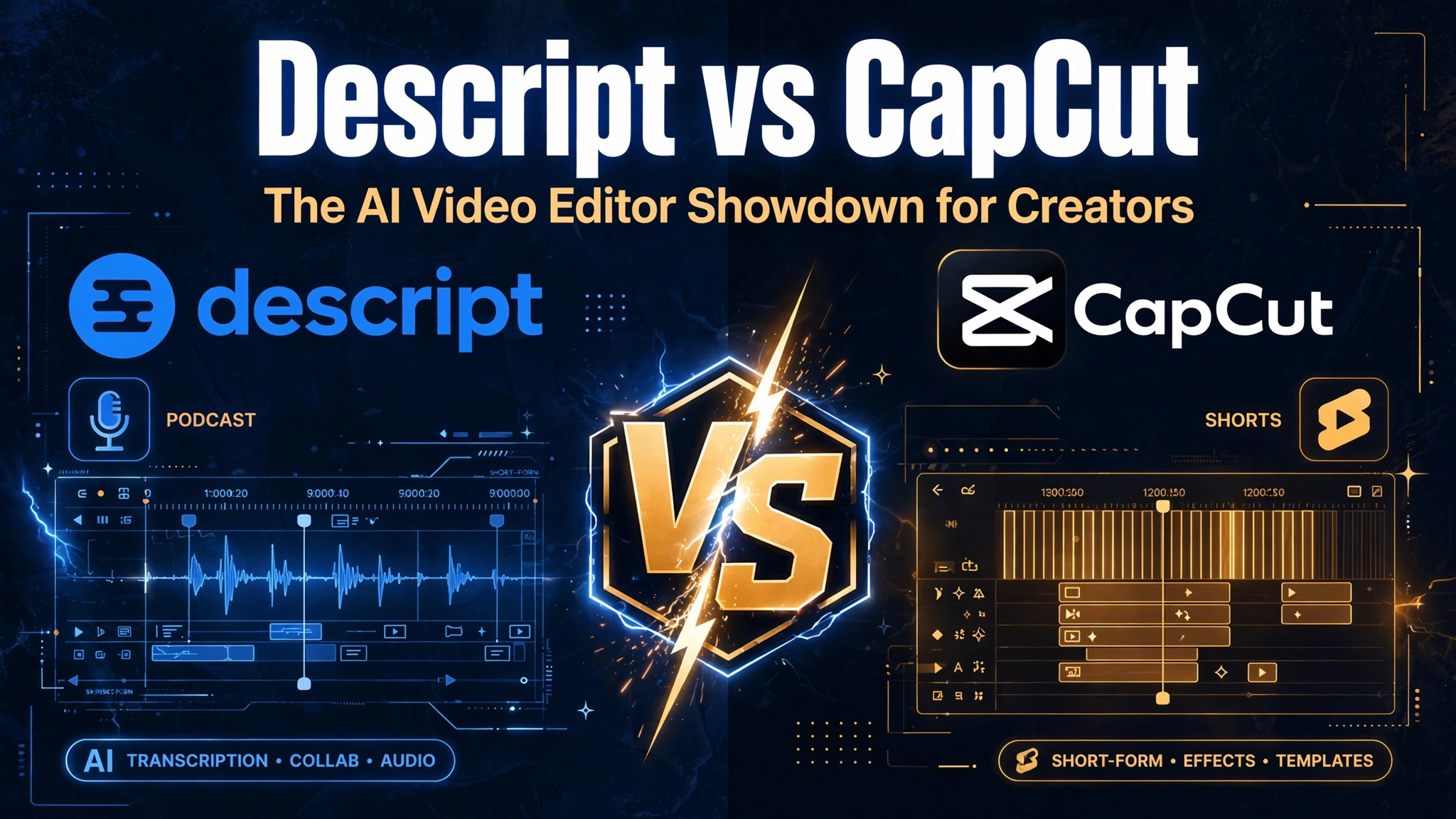
Asking which is the better AI video editor between these two is a bit like asking whether a word processor beats a camera. They both produce video and they overlap almost nowhere else. One edits your words and lets the picture follow; the other edits the picture and treats words as decoration.
Pick the wrong one and you will spend months fighting the tool. So this comparison starts with what each actually is, then covers the two things that decide it commercially: how each one meters you, and what one of them takes from your footage in exchange. Pricing checked 21 August 2026.
Two opposite tools that share a category
Calling either one an AI video editor is accurate and almost useless, because the label covers two completely different jobs.
| Descript | CapCut | |
|---|---|---|
| Editing model | Edit the transcript like a document; the video follows | Conventional timeline with heavy template and effect libraries |
| Built for | People talking — podcasts, interviews, training, webinars, demos | Short-form social video, especially vertical |
| Killer feature | Delete a sentence from the text and it disappears from the video; filler-word removal; audio cleanup | Auto-captions, trend templates, effects, and speed on a phone |
| Falls apart at | Motion graphics, visual-led editing, anything with little speech | Long-form dialogue editing — there is no transcript-first workflow |
| Where it runs | Desktop and web, built around recorded footage you already have | Mobile-first, with desktop and web versions |
If most of your footage is somebody speaking to camera or into a microphone, Descript will save you hours a week and CapCut will not. If most of your output is under ninety seconds and lives on a vertical feed, the reverse is true. Very few people genuinely need both, and the ones who do use them for different projects rather than the same one.
How each one meters you
This is where budgets go wrong, and the two approaches are completely different.
Descript meters media hours. Seats are not the hidden cost; volume is. Free gives roughly an hour a month, and paid tiers step up from around ten hours to thirty to forty. Blow past the cap and you are upgrading whether or not you need any new features.
| Descript plan | Price (annual / monthly) | Roughly |
|---|---|---|
| Free | $0 | About 60 media minutes a month, watermarked exports. A trial |
| Hobbyist | $16 / $24 per user | Around 10 media hours, watermark removed |
| Creator | $24 / $35 per user | Around 30 media hours, 4K export. The realistic baseline for regular publishing |
| Business | $50 / $65 per user | Around 40 media hours, team and admin features |
Trackers disagree on the exact hour allowances per tier and the free plan’s export resolution, partly because the tiers were reworked in late 2025. Check the live page before committing, and note that annual billing cuts roughly a third off every tier.
CapCut meters nothing — it gates features instead. There is no volume cap; you pay a flat monthly fee and certain capabilities unlock. That is more predictable, and it is also how the 2026 price change bit so hard.
The tiers were renamed and split: the old paid tier became Standard at about $9.99, and a new Pro at about $19.99 a month or $179.99 a year was created above it holding the full AI toolkit. On annual billing that is close to a 130% increase over the previous rate, and existing annual subscribers were reported to roll onto the new price around February 2026. Some previously free capabilities, notably higher-resolution export, moved behind the paywall, and the old free cloud storage was discontinued in 2024 while Pro storage expanded substantially.
The practical consequence: “CapCut Pro” today is not the product that name referred to in 2024. Any comparison written before 2026 is describing a cheaper, more generous tier that no longer exists.
The licence question that decides it for businesses
Here is the part that most reviews of either tool skip, and it is the single strongest reason a business might rule CapCut out regardless of features.
CapCut’s terms of service — last updated 15 April 2026 — grant the company a broad licence over content you upload and create: non-exclusive, royalty-free, transferable, sub-licensable, perpetual and worldwide, covering use, reproduction, modification and distribution. It applies to free and paid users alike. The clause is not new; awareness of it spiked in 2025, and reporting has noted the rights extend to unpublished drafts and to footage featuring identifiable people.
For personal editing of your own non-sensitive footage, the practical risk is low. For anything else, work through this before you upload:
- Client footage under contract. Your client agreement may promise confidentiality or exclusive rights you cannot actually deliver once the material has been uploaded under those terms.
- Videos featuring identifiable people. Staff, customers, interviewees — consider what you told them about how their footage would be used.
- Unreleased products or campaigns. Drafts count.
- Anything under NDA. Treat this the same way you would treat pasting a confidential document into a consumer AI tool — the reasoning is identical to the platform-terms problem we set out in AI tools freelancers actually use.
Descript is a conventional paid SaaS product on this point, which for client work is an underrated feature.
The music trap, which catches everyone
Separate from the above, and more common in practice. CapCut’s materials licence does not grant rights in the built-in sound recordings and musical works. Your paid subscription covers the editor; it does not hand you a music licence.
So the most frequent commercial mistake is not the terms of service — it is dropping a track from the in-app library into a client video or a monetised ad. Check the licence attached to each asset you use, and when in doubt bring your own licensed music or generate a voiceover instead. If narration would work better than a music bed, the ElevenLabs review covers what synthetic voice costs and what rights come with it.
Which AI video editor to buy
Podcasters, interviewers, course creators, anyone editing talking: Descript, Creator tier. The transcript-first workflow is not a gimmick — removing filler words and cutting whole sentences from the text collapses a multi-hour edit into a focused pass. Watch the media-hour meter rather than the feature list when picking a tier.
Short-form social creators, especially vertical and especially on a phone: CapCut. Nothing else gets a captioned, templated, effect-heavy clip out this fast. Free is genuinely usable for casual posting; the moment money is involved, you need a paid tier for the commercial licence and to clear the export limits.
Agencies and anyone handling client footage: Descript for the licence position, or a conventional editor. If you use CapCut on client work, read the current terms with a lawyer first — this is the scenario compliance teams object to.
Marketing teams repurposing long recordings into clips: Descript first to cut and caption, then whichever tool your social workflow already lives in. The repurposing pipeline is in turning one post into ten.
People who want video generated from a script, with no footage of their own: neither. Descript edits recordings you already have; CapCut edits clips you already have. Generation is a different product category.
Real limitations of both
- Descript’s media-hour cap is the real ceiling. Client volume can outrun even the team tier and push you into a quote.
- Descript is weak on visual-led work. Motion graphics, complex compositing and anything with sparse speech still want a conventional editor.
- Transcription accuracy still drops on accents, crosstalk and poor microphones — and the whole editing model rests on the transcript. Similar caveats to the ones in Otter vs Fireflies.
- CapCut’s free tier is a funnel. Export resolution and asset access are the pressure points, and previously free features have moved up before.
- CapCut templates make everything look the same. Trend templates are speed at the cost of distinctiveness, which matters more for a brand than a personal account.
- Both are subscriptions with rising prices. One of them has already repriced existing annual customers once. Buy monthly until you are sure — the general rule from free vs paid AI tools.
If this is one line in a bigger stack decision, the substitution logic in AI tools that replace expensive software applies: either of these can replace a basic editor, neither replaces an editor who is a person. Broader picks are in best AI tools for small business owners, and a fuller look at one of these two is in the CapCut review.
Frequently asked questions
Which is better, Descript or CapCut?
They solve different problems. Descript is the better AI video editor for spoken-word content — podcasts, interviews, training — because you edit the transcript and the video follows. CapCut is better for short-form social video with captions, templates and effects, especially on mobile.
How much does Descript cost in 2026?
Free is $0 with about 60 media minutes a month and watermarked exports. Hobbyist is roughly $16 a month billed annually ($24 monthly), Creator about $24 annually ($35 monthly), and Business about $50 annually ($65 monthly). The meter is media hours, not seats.
Why did CapCut get more expensive?
The tiers were renamed and split. The old paid tier became Standard at around $9.99, and a new Pro at about $19.99 a month or $179.99 a year was added above it with the full AI toolkit. Existing annual subscribers were reported to move onto the new rate around February 2026.
Can I use CapCut for client work?
Technically yes on a paid plan, but read the terms first. CapCut’s terms grant a broad, perpetual, sub-licensable licence over content you upload, applying to free and paid users alike. Many legal teams consider that incompatible with client confidentiality obligations.
Is CapCut’s music free to use commercially?
Not automatically. The materials licence does not grant rights in the built-in sound recordings and musical works, so using in-app music in a monetised or client video is the most common licensing mistake. Check each asset, or bring your own licensed track.
Do I need both?
Rarely. Some teams cut long recordings in Descript and finish short vertical clips in CapCut, but that is two workflows for two outputs, not two tools doing the same job. Start with whichever matches the majority of what you publish.
Sources
- Descript — official pricing and plan limits
- CapCut — official pricing
- CapCut — terms of service, including the content licence
- CapCut Help Centre — asset and materials licensing
Pricing and terms checked 21 August 2026. Both products changed plan structure between late 2025 and early 2026 and trackers disagree on some allowances — confirm on the official pages before subscribing. Nothing here is legal advice; for client work under contract, take proper advice on the terms.